Which iPhone Models Support 2 eSIM in 2026 and Their Limits
10/31/2026
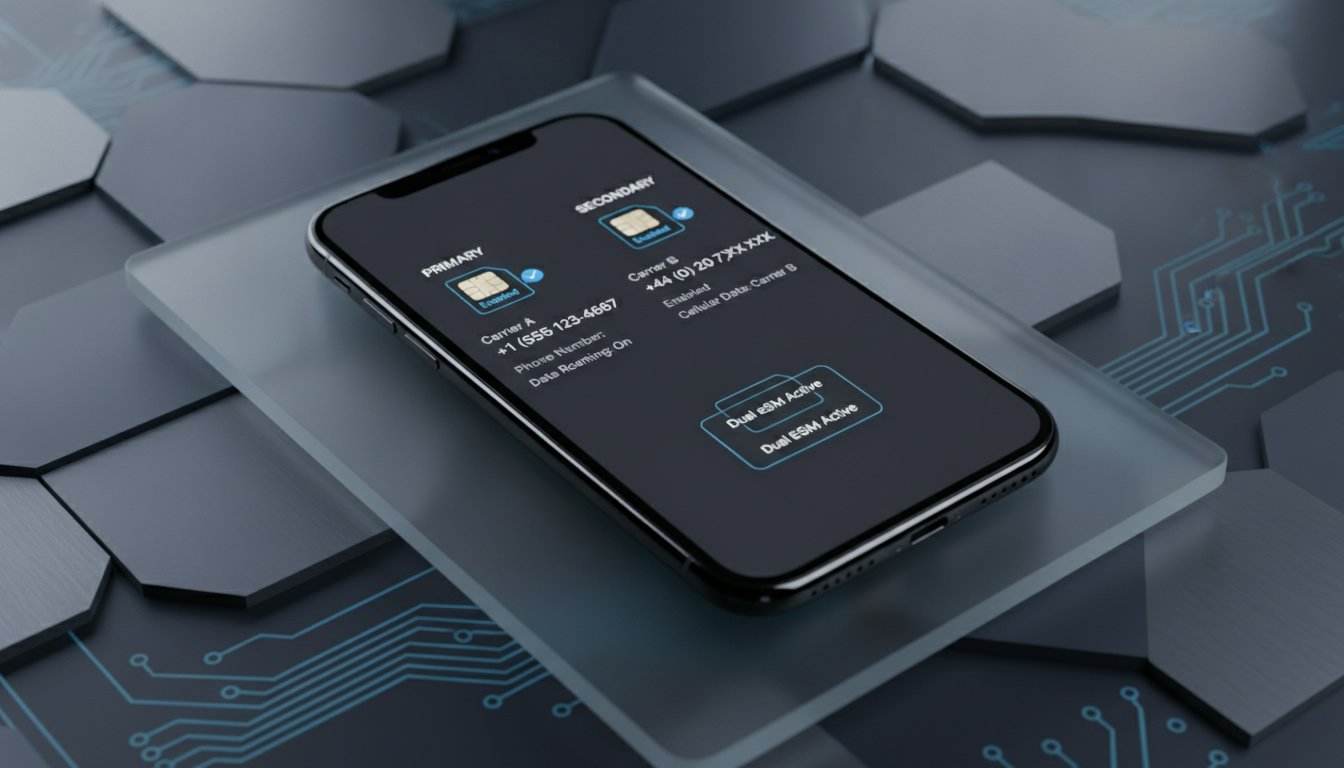
Which iPhone Models Support Dual eSIM Functionality?
If you're wondering whether your iPhone can support two eSIMs simultaneously, the answer depends on the model and iOS version. Apple has progressively expanded dual eSIM capabilities, but not all iPhones allow two active eSIMs at the same time.
Understanding which iPhones support this feature and the technical limits involved is key to managing multiple phone numbers or plans without juggling physical SIM cards.
iPhone Models With Dual eSIM Support and Their Limitations
Apple introduced eSIM technology with the iPhone XS, XS Max, and XR in 2018, allowing one physical SIM and one eSIM to be active simultaneously. However, true dual eSIM support—meaning two active eSIMs without a physical SIM—is more recent and limited to newer models.
| iPhone Model | Dual eSIM Support | Physical SIM Slot | Notes on Dual eSIM Usage |
|---|---|---|---|
| iPhone XS / XS Max / XR | No | Yes | One physical SIM + one eSIM active only |
| iPhone 11 Series | No | Yes | Same as above |
| iPhone SE (2nd Gen) | No | Yes | Supports nano-SIM + one eSIM only |
| iPhone 12 Series | Partial | Yes | Can store multiple eSIMs but only one active with physical SIM |
| iPhone 13 Series | Yes | No (in some models) or Yes (in others) | Supports two active eSIMs or one eSIM + physical SIM depending on model |
| iPhone 14 Series (US models) | Yes | No | Supports two active eSIMs; no physical SIM slot |
| iPhone 14 Series (Global) | Partial | Yes | Supports dual SIM with one physical + one eSIM |
Field Observation: Storing vs Using Multiple eSIM Profiles
You can store several eSIM profiles on most modern iPhones, but only certain models allow two to be active simultaneously. For example, the iPhone 12 lets you have multiple eSIM profiles saved but only one can be active alongside a physical SIM. This means that switching between plans requires manual activation of the desired profile, which is a trade-off between convenience and flexibility.
Technical Limitation: Physical SIM Slot Impact
The presence of a physical nano-SIM slot restricts some models from activating two eSIMs at once. The latest US-only iPhone 14 models removed the physical SIM slot entirely, enabling dual active eSIMs. This design choice is crucial because it changes how carriers and users manage multiple lines: without a physical SIM, both lines must be managed digitally.
How to Activate Two eSIMs on Supported iPhones
Activating dual eSIMs involves scanning QR codes or using carrier apps to install profiles. Here’s how it generally works on supported devices like the US iPhone 14 or iPhone 13 Pro:
-
Add First eSIM Profile
Go to Settings > Cellular > Add Cellular Plan and scan the QR code provided by your carrier or use their app. Confirm activation. -
Add Second eSIM Profile
Repeat the process for the second plan. The phone will show both plans under Cellular Plans. -
Label Your Plans
Assign labels like “Personal” and “Work” for easy identification in calls and messages. -
Choose Default Line for Calls and Data
You can set which line is used by default for voice calls, SMS, and cellular data independently. -
Switch Between Lines Seamlessly
Both lines can receive calls and messages independently if configured correctly.
Common Mistake: Trying to Use Two Active eSIMs on Unsupported Models
Many users assume that because they can store multiple profiles, they can run two simultaneously on any model. This is incorrect; attempting this on unsupported devices results in having to manually switch between profiles, causing missed calls or messages if you forget to activate the right line.
Real-Life Example of Managing Multiple Numbers
Using two active eSIMs on an iPhone allows you to keep personal and work numbers separate without carrying two phones or swapping SIM cards physically. For instance, you can receive FaceTime calls on both numbers independently since Apple supports this feature when both lines are active.
Benefits of Using Two eSIMs on an iPhone
Using dual active eSIMs offers several practical advantages:
- Convenience: Manage multiple phone numbers from a single device without swapping physical cards.
- Flexibility: Switch carriers or plans instantly without visiting a store.
- Travel-Friendly: Easily add local data plans abroad while keeping your home number active.
- Space Saving: Newer models without a physical SIM slot free up internal space for other components or battery capacity.
- Improved Call Management: Both numbers can send/receive calls and messages independently, including FaceTime.
However, keep in mind that not all carriers support dual active lines via eSIM simultaneously due to network restrictions or policy limitations.
Managing Multiple eSIM Profiles: Practical Tips
Even if your device supports dual active eSIMs, managing multiple profiles efficiently requires understanding these points:
Switching Between Profiles
- On some models like the iPhone 12, only one eSIM can be active at a time alongside a physical SIM.
- Switching requires going into Settings > Cellular and selecting the desired plan.
- The phone indicates which line is currently active in the status bar.
Data Usage Settings
- You must assign which line handles cellular data.
- If you switch data lines while connected to Wi-Fi, data usage may not immediately reflect the change until Wi-Fi disconnects.
Carrier Compatibility
- Not every carrier supports dual active lines via eSIM.
- Some carriers require activation via QR code; others use apps or direct provisioning through GSMA-compliant methods (GSMA specification SGP.22 governs remote provisioning).
- Check with your carrier about multi-eSIM support before purchasing plans.
Field Observation: Impact of Software Updates
iOS updates sometimes improve dual SIM management features or add support for new carriers’ provisioning methods. Keeping your device updated ensures smoother handling of multiple lines and fewer connectivity issues.
Differences Between Physical SIM and eSIM on iPhone
Understanding how physical SIM cards differ from eSIMs helps clarify why dual-eSIM support varies:
- Physical SIM: A removable card inserted into the phone’s tray; limited slots usually to one or two.
- eSIM: A programmable embedded chip inside the phone that can store multiple profiles remotely provisioned according to GSMA standards.
The mechanism behind this means that devices with a physical slot often limit simultaneous use of multiple digital profiles due to hardware constraints like antenna routing and signal management.
Why Some Models Have Only One Active eSIM Despite Multiple Profiles Stored
The antenna system in some older models supports only one cellular connection per type (physical or digital). So even if you have several profiles stored digitally, only one can be routed at a time alongside a physical card — this is why true dual-eSIM functionality requires newer hardware designs like those in recent iPhones.
The Latest iPhones With Two Active eSIM Capability
The US versions of the iPhone 14 series are currently Apple's flagship models supporting two active eSIMs without any physical SIM slot. This means:
- You can have two phone numbers fully functional at once.
- Both numbers can make/receive calls, send/receive messages including FaceTime independently.
- You avoid carrying any physical cards altogether.
- This design reflects Apple's push toward fully digital SIM management aligned with GSMA SGP.22 remote provisioning standards.
If you want an iPhone optimized for managing multiple lines digitally without compromises, these are currently your best options.
How Using Two Phone Numbers With Dual eSIM Works in Everyday Life
Imagine having a personal number and a work number on your phone simultaneously:
- Incoming calls ring independently on each line.
- You choose which number to use when making calls or sending texts.
- FaceTime uses your selected line for video calls.
- Data usage is assigned per line; you can prioritize work data during office hours and personal data after hours.
- Switching between plans is seamless without rebooting or removing cards.
This setup simplifies communication logistics significantly compared to carrying two phones or swapping SIM cards daily.
For those interested in activating additional plans easily, providers like Numero offer promo codes that help reduce costs when adding new lines digitally — check out verified offers such as Numero promo code for discounts when setting up your second line.
Managing multiple cellular plans using dual active eSIM technology requires knowing your device’s capabilities precisely. While many recent iPhones allow storing several profiles, only select models enable running two simultaneously—especially those designed without a physical SIM slot like US iPhone 14 models.
Understanding these technical boundaries helps avoid frustration when trying to juggle personal and work numbers efficiently on one device.
FAQ
Which iPhone models support two active eSIMs?
Only newer iPhones like the US iPhone 14 series and some iPhone 13 models support two active eSIMs simultaneously. Older models typically allow one physical SIM plus one eSIM or store multiple eSIM profiles but activate only one at a time.
How do I activate dual eSIMs on a supported iPhone?
To activate dual eSIMs, go to Settings > Cellular > Add Cellular Plan and scan your carrier’s QR code for each plan. Label each line for easy identification and set default lines for calls and data to manage both simultaneously.
Why can’t some iPhones use two eSIMs at once?
Physical SIM slots limit simultaneous use of two active eSIMs due to hardware constraints like antenna routing. Models with a physical SIM slot usually support only one active eSIM alongside the physical SIM, restricting true dual eSIM functionality.
Can I receive calls on both numbers with dual eSIMs?
Yes, on iPhones that support dual active eSIMs, both numbers can independently receive calls and messages, including FaceTime. This allows seamless management of personal and work lines without missing communications.
Do all carriers support dual active eSIM lines on iPhones?
Not all carriers support dual active eSIM lines due to network or policy restrictions. Carrier support varies, so it’s important to check with your provider about multi-eSIM capabilities before relying on dual eSIM functionality.

Marcus Bennett
Marcus is a travel and tech writer who has tested eSIMs and data plans across dozens of countries. At eSIM Promo Codes he tracks down the best working coupons and explains how to stay online abroad without falling into the roaming trap.