The plain-English eSIM guide
New to eSIMs? This guide explains what they are, how to check your phone is compatible, and how to install and activate one in a couple of minutes, so you land abroad already connected and never touch an expensive roaming plan again.
Digital SIM
Built into your phone, no plastic card.
Install in seconds
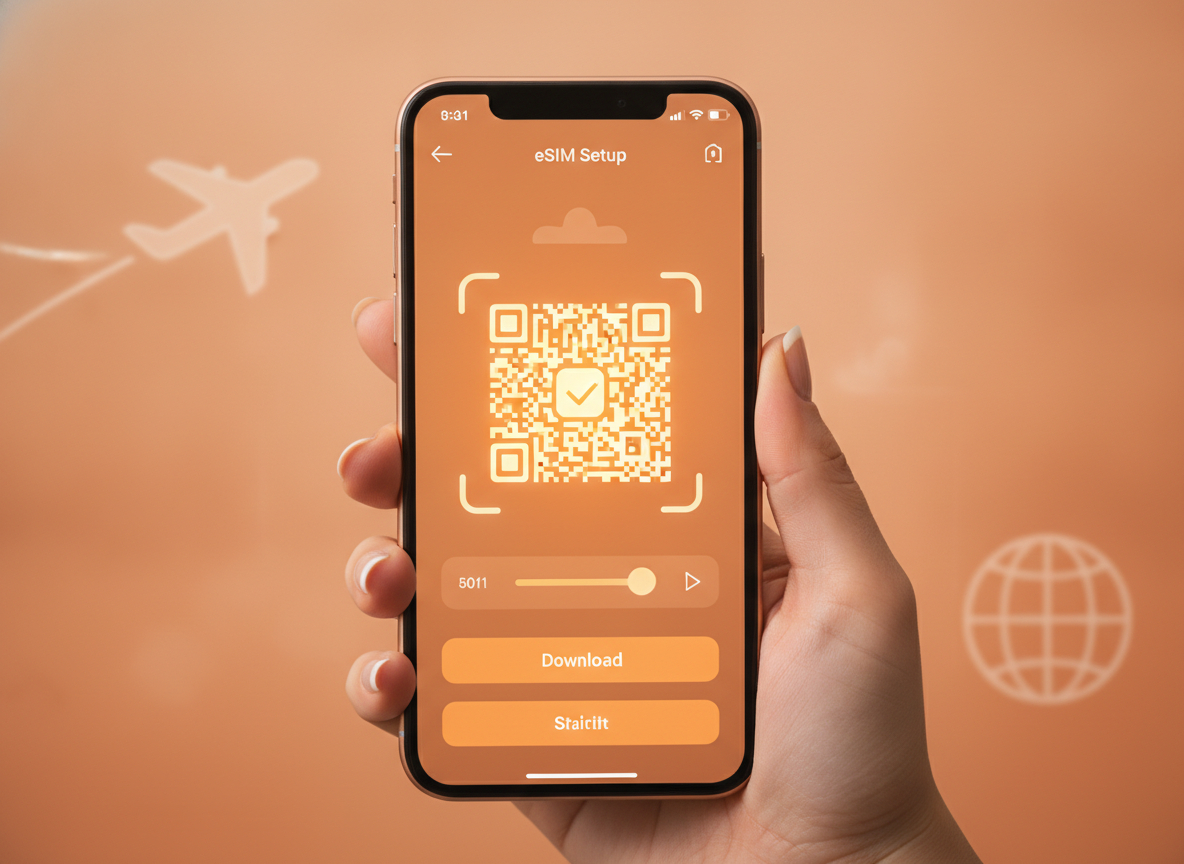
Scan a QR code on Wi-Fi before you fly.
Keep your number
Runs alongside your home SIM.
What is an eSIM?
An eSIM is a digital SIM card built into your phone. Instead of slotting in a plastic card, you download a mobile plan directly onto a chip that is already inside the device.
For travel this is a small revolution: you can buy a local data plan online from anywhere in the world, install it in seconds, and start using it the moment you arrive, all without visiting a shop or swapping cards.
Because the eSIM sits alongside your normal SIM, your usual number keeps working for calls and texts while the travel plan quietly handles data. That dual setup is exactly why eSIMs have replaced both roaming and airport SIM kiosks for most travellers, and why you can carry several country plans on one phone without ever opening the SIM tray.
Is your phone compatible?
Most phones sold in the last few years support eSIM, but it is worth a thirty-second check before you buy a plan. On iPhone, eSIM is supported from the iPhone XS, XR and every model since; on Android, recent Google Pixel, Samsung Galaxy S and many other flagship and mid-range models work too.
The quickest test is to open your settings and look for an option such as Add eSIM, Add Mobile Plan or Add Data Plan under the cellular or network menu. Your phone must also be carrier-unlocked, which is normal for devices bought outright but sometimes locked on operator contracts.
If you do not see an eSIM option, a quick search for your exact model and the word eSIM will confirm support in a moment.
How to install and activate, step by step
Activation is far simpler than most people expect and takes about two minutes on Wi-Fi. Do it before you travel so you arrive connected, then flip the data switch on landing.
The steps below cover the standard QR-code method used by every major provider; a few also offer one-tap install through their own app, which is even quicker.
- Buy your plan and open the confirmation email containing the QR code, ideally on a laptop or second screen.
- On your phone, go to settings, choose Add eSIM, and scan the QR code; the plan downloads in seconds.
- Label the new line (for example Travel) and set it as your data line when you reach your destination.
- Turn on data roaming for the travel line only; this is required for the eSIM to connect to local networks and does not incur home-carrier fees.
How to avoid roaming fees
The whole point of a travel eSIM is to sidestep the eye-watering roaming charges that home carriers apply abroad. The trick is to keep your home SIM's data switched off and route all data through the eSIM.
Leave your normal line active for calls and texts if you want to stay reachable on your usual number, but disable its mobile data so the phone cannot silently fall back to expensive roaming. With the travel eSIM handling data, you pay only the flat, prepaid price you chose, with no bill shock when you get home.
Pair that with a current promo code and the cost of staying online for a whole trip often comes in below a single day of traditional roaming.
eSIM versus a physical travel SIM
Before eSIMs, the usual options abroad were paying your home carrier's roaming rates or buying a local plastic SIM on arrival. Both have real downsides.
Roaming is convenient but expensive, and it is easy to rack up charges before you even notice. A local SIM is cheaper but means queuing at an airport kiosk, swapping out and safely storing your home SIM, and sometimes registering with ID.
An eSIM keeps the convenience of roaming and the price of a local SIM without the drawbacks: you buy online in advance, nothing physical changes hands, your home number stays active, and you can hold several plans on one phone for a multi-country trip. The only requirement is a compatible, unlocked handset, which most recent phones already are.
For the vast majority of travellers that combination makes a travel eSIM the obvious default, and a promo code simply makes an already cheaper option cheaper still.
eSIM setup FAQ
- Do I need to remove my normal SIM to use an eSIM?
- No. An eSIM runs alongside your physical SIM, so you keep your home number for calls and texts while routing mobile data through the travel eSIM. You simply choose which line handles data in your settings.
- Can I install the eSIM before my trip?
- Yes, and you should. Install it on home Wi-Fi a day or two before you leave, then switch on the data line when you land. Installation needs internet; using the plan abroad does not.
- What happens when my data runs out?
- With volume packs you can usually buy a top-up in the provider app without reinstalling anything. With unlimited plans you keep going at full or reduced speed depending on the fair-use policy of that plan.
Ready to buy? Grab a discount first.
See promo codes