eSIM.me Review: Which Phones Are Compatible?
11/18/2026
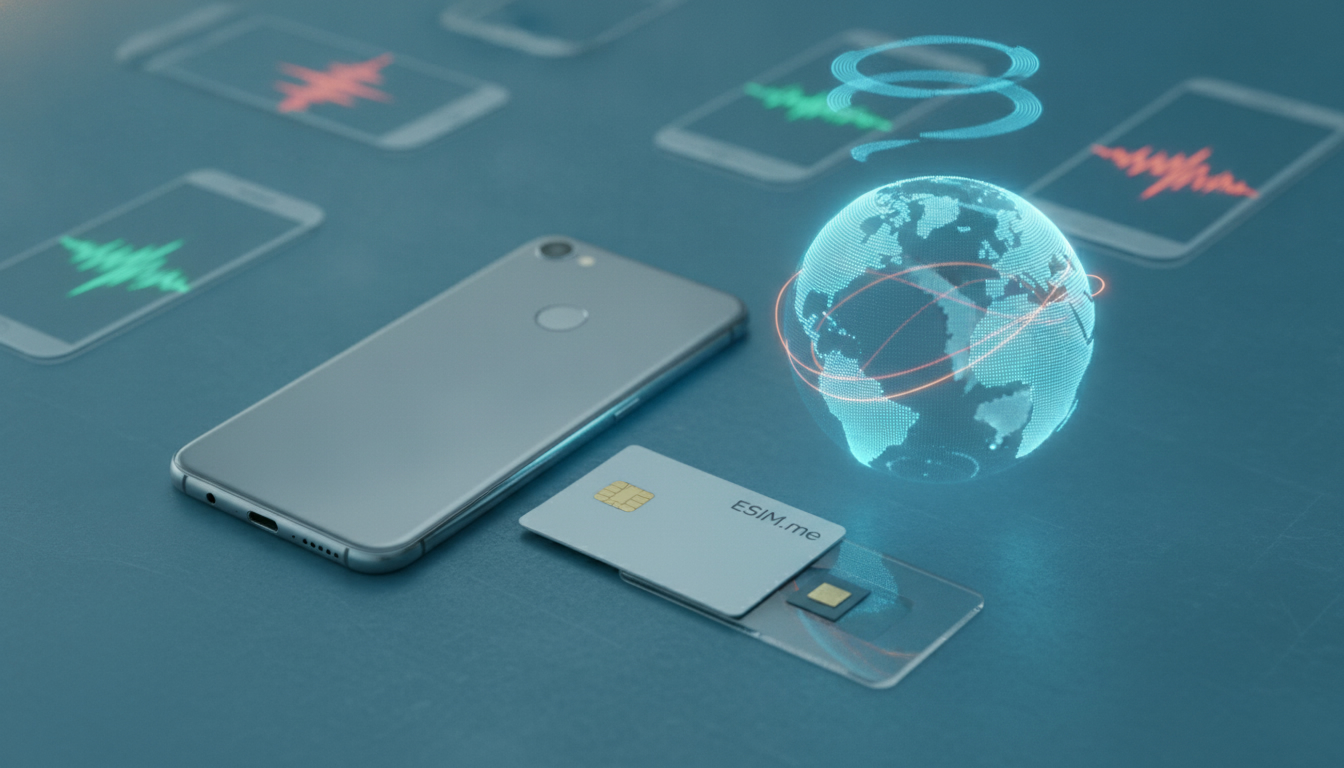
eSIM.me can work, but it is not a universal eSIM upgrade. It is a physical SIM adapter that adds eSIM functionality to selected Android phones through the eSIM.me app.
The purchase only makes sense after checking your exact phone model, Android version, SIM slot, carrier lock, and mobile operator—not simply because the handset has a removable SIM.
The Compatibility Check Comes Before the Purchase
The key distinction in this eSIM.me compatibility review is that compatibility belongs to the phone-and-adapter combination, not to the SIM card alone. eSIM.me maintains a device compatibility checker because two phones from the same family can use different chipsets, firmware, or SIM interfaces.
| Requirement | What must be true | Why it matters |
|---|---|---|
| Phone type | Compatible Android smartphone | eSIM.me is designed for Android devices, not iPhone |
| Physical interface | A usable SIM slot for the adapter | The adapter occupies the slot normally used by a physical SIM |
| Software | Compatible Android release and supported firmware | The app must communicate with the adapter correctly |
| Network status | The phone should be carrier-unlocked | A network lock can restrict the mobile profile even when the adapter itself works |
| Application | eSIM.me app installed from Google Play | Profile management takes place through the app |
| Mobile plan | Operator or travel provider must support the required eSIM profile | The adapter does not create mobile service by itself |
The manufacturer’s compatibility test is the first place I would start, before comparing adapter versions or buying a data plan. A model name such as “Galaxy A series” is not precise enough: regional variants can use different processors and modem configurations.
Supported phones are narrower than the Android label suggests
eSIM.me’s supported-phone list is the practical authority for the handset question. Android compatibility alone is not sufficient.
The phone needs the right hardware path for the adapter to communicate with the operating system and modem.
The useful checks are:
- exact model number, not only the retail name;
- regional or carrier variant;
- Android version and current firmware;
- whether the device has one or two physical SIM slots;
- whether the selected slot accepts the eSIM.me card;
- whether the phone is rooted, modified, or running unofficial firmware.
I would advise against relying on a marketplace listing that says “works with Android.” That description can omit the regional model suffix that determines whether the installation succeeds.
iPhone owners should stop at the first filter
An iPhone cannot use eSIM.me in the same way as a compatible Android phone. The adapter is intended to be inserted into a physical SIM slot and controlled by the eSIM.me Android application.
Apple’s native eSIM implementation is integrated into iOS and the handset’s own modem architecture; it is not the same as adding a third-party SIM card.
That also means an Android phone with no physical SIM tray is a poor candidate, even if it already supports native eSIM. The adapter needs a physical slot, while a native eSIM phone may have no reason to accept it.
What the eSIM.me Setup Process Actually Involves
The eSIM.me setup guide is simple in outline, but the order matters. The adapter is not activated like a conventional plastic SIM with a carrier code.
-
Check the phone with the eSIM.me compatibility tool.
The trap is checking only the phone family. The sign of a useful result is confirmation for the exact model and software configuration. -
Install the eSIM.me app from Google Play.
The app is the control layer for managing profiles on the adapter. If the app cannot detect the card, changing the travel provider will not solve the basic hardware communication problem. -
Power down the phone and insert the adapter.
The adapter takes the physical SIM position. If the phone has dual-SIM hardware, the selected tray and slot can affect detection. A card that is not seated flat may produce intermittent recognition rather than a clear failure. -
Open the app and follow the profile installation instructions.
The eSIM activation process still depends on the provider’s QR code or activation details. eSIM.me supplies the storage and management mechanism; the mobile operator supplies the subscription. -
Enable the profile and test data before travel.
Test with Wi-Fi disabled and confirm that the phone registers on the intended network. A profile appearing inside the app does not prove that roaming, data authentication, or the operator’s access point settings are correct.
GSMA’s Remote SIM Provisioning Specification SGP.22 describes the broader standard used for consumer eSIM provisioning. eSIM.me is not the same thing as a phone manufacturer’s embedded eSIM implementation, but the mobile profile still has to be provisioned in a way the provider supports.
The common activation failure
A frequent mistake is to install a profile while the phone is still connected to a familiar Wi-Fi network and assume the process is complete. Wi-Fi can hide a mobile-data problem.
The better test is:
- disable Wi-Fi;
- select the new profile for mobile data;
- wait for network registration;
- check whether data works;
- place a test call only if the plan includes voice service.
If the profile installs but mobile data fails, the cause may be the provider’s access point settings, roaming permission, carrier lock, or unsupported network bands. Reinstalling the same profile repeatedly can make diagnosis harder, particularly where the provider limits activations.
Switching Plans, Profiles, and Connectivity Limits
The main attraction is convenience: several mobile plans can be managed without carrying multiple phones or repeatedly swapping tiny plastic SIM cards. That convenience has limits.
What switching is good at
eSIM.me is useful when the phone already passes the compatibility check and the user wants to move between travel-data profiles. The app provides a central place to view and select stored profiles, while the physical adapter remains in the handset.
The practical advantages include:
- keeping the adapter in the phone instead of handling loose SIM cards;
- changing between supported mobile profiles through software;
- using a travel data plan while retaining another physical SIM option, depending on the phone’s dual-SIM behavior;
- avoiding a separate eSIM-capable handset purchase.
For broader travel planning, I use a best eSIM comparison site only after confirming that the phone can actually install the chosen profile. Comparing plans first and checking compatibility second is how people end up with a cheap plan they cannot use.
What it does not guarantee
The adapter does not improve signal strength, add roaming agreements, or bypass a carrier lock. Coverage remains controlled by the mobile provider and its partner networks.
The phone’s modem still determines supported radio bands, and the provider still determines where the plan can register.
A precise field warning: when a profile works in one country but fails after crossing a border, the adapter is not automatically the cause. The profile may be country-limited, roaming may be disabled, or the partner network may not support the phone’s available bands.
Removing and reinstalling the profile can destroy a working configuration without fixing the network restriction.
I also would not treat eSIM.me as a replacement for a native eSIM in every situation. Native eSIM support is integrated into the phone’s operating system and modem; an adapter adds another hardware and software layer.
That layer is the reason compatibility checks matter.
User Experience, Support, and Value
The available customer feedback is mixed rather than conclusive. One Finnish review describes more than one year of positive use and emphasizes ease of use and reliability, while another listing reports a 2.7/5 rating.
Those reports are not enough to establish a universal success rate, but they do point to the central pattern: the experience depends heavily on the exact handset and setup.
Where the purchase can become poor value
The adapter is poor value when:
- the phone is absent from the official compatibility checker;
- the handset is carrier-locked;
- the user needs guaranteed voice and SMS behavior;
- the traveler cannot test the setup before departure;
- the phone has modified firmware that the app or carrier does not handle correctly.
My method is to test the complete chain at home: adapter detection, profile download, mobile registration, data, and—if relevant—calls and SMS. Testing only the app interface proves very little.
Pricing also needs to be judged against the cost of failure, not only the card price. The adapter may appear cheaper than replacing a phone, but a second purchase becomes expensive if the first card is incompatible or if the required travel provider does not support the profile format.
For plan selection, the MyBestSim comparison data currently lists Yesim at rank 2 with a 4.8/5 rating and the code MYBESTSIM20 for 20% off unlimited plans. That code concerns the provider’s offer, not the eSIM.me adapter, so it does not remove the need to verify handset compatibility. When comparing travel data costs, the verified eSIM promo codes page is useful only after the technical setup has passed.
My Verdict on eSIM.me
I would buy eSIM.me only for a phone confirmed by the manufacturer’s checker, with an unlocked handset and enough time to test the complete activation process. For that narrow use case, it can be a practical way to manage additional mobile plans without changing phones.
I would skip it for an unsupported model, an iPhone, a locked handset, or a trip where connectivity is mission-critical and there is no backup SIM or Wi-Fi access. The adapter can store and manage an eSIM profile, but it cannot compensate for unsupported hardware, unavailable roaming, incompatible network bands, or a provider-side activation failure.
FAQ
Does eSIM.me work with every Android phone model?
No. eSIM.me supports only selected Android phones with compatible hardware, software, and SIM interfaces. Check the exact model number, regional variant, Android version, firmware, SIM slot, and carrier status using the manufacturer’s compatibility tool. Phones from the same product family may differ, so the retail name alone is insufficient.
Can iPhones use the eSIM.me physical adapter?
No. eSIM.me is designed for compatible Android devices and relies on an Android application to manage profiles through a physical SIM slot. iPhones use Apple’s integrated eSIM architecture instead. Android phones without a physical SIM tray are also unsuitable because the adapter must occupy that slot.
What should you test after installing an eSIM profile?
Disable Wi-Fi, select the new profile for mobile data, and wait for network registration. Then test internet access and, if included in the plan, calls and text messages. This confirms more than successful installation by revealing roaming restrictions, incorrect access point settings, carrier locks, or unsupported network bands.
Does eSIM.me improve coverage or bypass carrier restrictions?
No. The adapter stores and manages mobile profiles, but it does not strengthen reception, add roaming agreements, unlock a carrier-locked phone, or expand supported radio bands. Coverage depends on the provider and partner networks, while connectivity also depends on the handset’s modem and the plan’s regional permissions.
When is buying eSIM.me a poor value?
It is usually poor value when the phone is missing from the official compatibility list, carrier-locked, modified with unsupported firmware, or needed for critical travel without backup connectivity. It may also disappoint users who require guaranteed voice and SMS service but cannot test activation, registration, and calls before departure.

Marcus Bennett
Marcus is a travel and tech writer who has tested eSIMs and data plans across dozens of countries. At eSIM Promo Codes he tracks down the best working coupons and explains how to stay online abroad without falling into the roaming trap.