Esimy Reviews: Which Devices Support eSIM and Technical Limits
11/1/2026
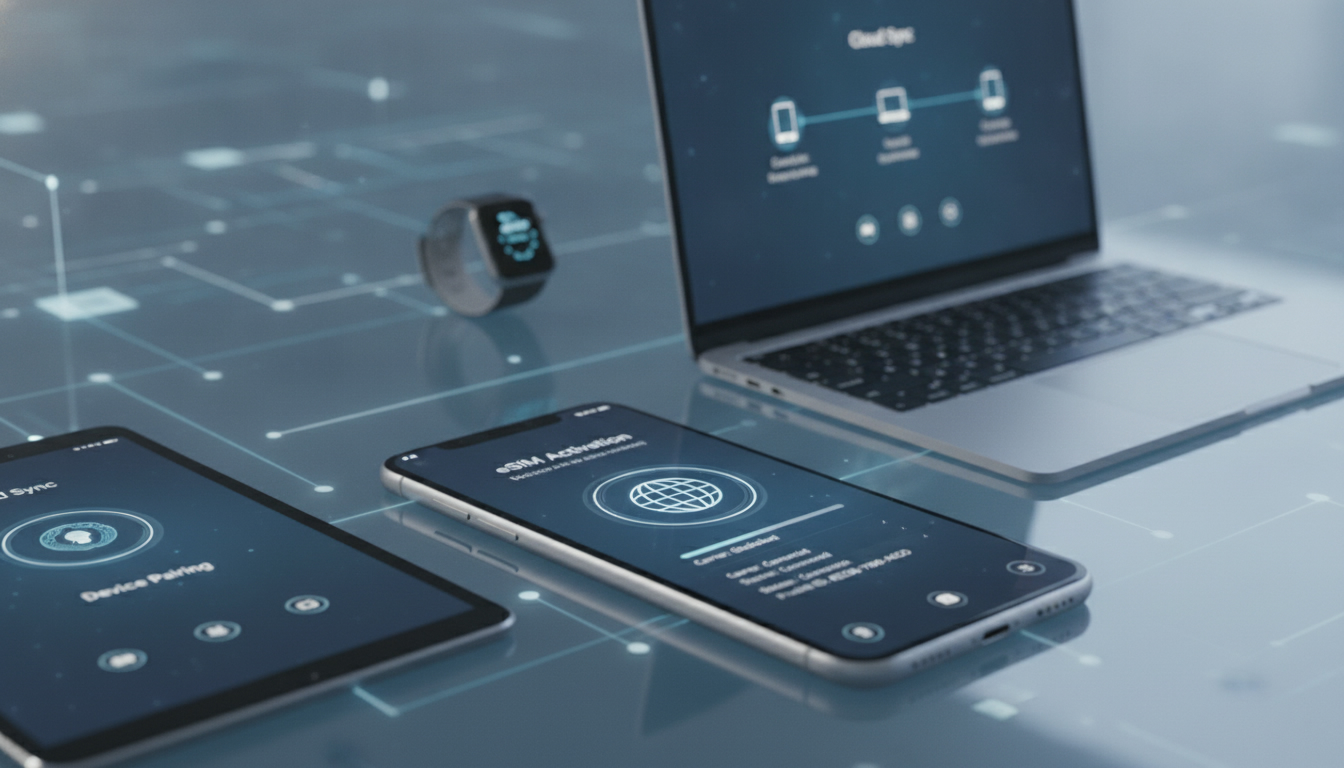
Device Compatibility with Esimy eSIMs: What You Need to Know
If you’re considering Esimy for your eSIM needs, the first question to tackle is device compatibility. Esimy’s service depends heavily on whether your device supports eSIM technology and meets certain technical criteria.
I always start by checking the exact model and firmware version of my phone or tablet before purchasing any eSIM plan, because not all devices handle eSIMs the same way. Understanding these limitations upfront can save you from wasting time or money on an incompatible setup.
Esimy eSIMs work primarily with devices that support the GSMA’s remote SIM provisioning standard (SGP.22). This standard governs how an eSIM profile is securely downloaded and managed on a device without needing a physical SIM card swap.
However, even if your device supports eSIM, there are nuances that affect whether Esimy’s service will function properly.
Which Devices Are Compatible with Esimy eSIMs?
Esimy supports a broad range of smartphones, tablets, and some laptops—but compatibility depends on the device’s hardware and software capabilities.
Smartphones and Tablets
Most recent flagship smartphones from Apple, Samsung, Google, and other major brands support eSIM technology. For example:
- Apple iPhone models from iPhone XS and newer support dual SIM with one physical SIM and one eSIM.
- Google Pixel 3 and later models have integrated eSIM support.
- Samsung Galaxy S20 and newer models include eSIM functionality but may require carrier unlocking.
However, not all devices labeled “eSIM-capable” guarantee full compatibility with Esimy’s global profiles. Some devices restrict the number of active eSIM profiles or limit switching between them.
For instance, iPhones running iOS versions earlier than 12.1 do not support eSIM activation at all.
Laptops and Other Devices
Certain Windows laptops like Microsoft Surface Pro X and some newer models from Lenovo or HP include eSIM modules compliant with GSMA standards. Still, Esimy’s service is primarily optimized for mobile devices rather than PCs, so performance can vary.
Field Observation:
On iPhones running iOS 14 or later, if you try to install multiple Esimy profiles without deleting old ones, the system can reject new activations due to a limit of 8 stored profiles per device. This means users must manage their profiles carefully to avoid activation errors.
Technical Limitations Affecting Esimy Service Use
Even when a device supports eSIM technology, several technical factors influence how well Esimy’s service performs.
IMEI Restrictions and Regional Blocks
Esimy uses the device’s IMEI number to provision service. Some countries impose IMEI-based restrictions that can block or limit eSIM activation.
For example, Egypt has implemented IMEI bans that prevent certain devices from activating foreign eSIM profiles, including those from Esimy.
This limitation is crucial because it means that even if your device is compatible in theory, regional regulations might prevent you from using Esimy services in some locations.
Network Compatibility and Band Support
Esimy offers global data plans that rely on local mobile networks through roaming agreements. However, your device must support the frequency bands used by these networks to get optimal coverage.
For example:
- If your phone lacks LTE Band 20 (800 MHz), common in many European countries, you might experience poor signal or no service.
- Devices without 5G NR bands supported by local carriers will be limited to 4G or lower speeds even if you purchase a 5G plan from Esimy.
Software Version Dependencies
The Esimy app requires certain minimum operating system versions for installation and operation:
- iOS 12.1 or later for iPhones
- Android 10 or later for most Android devices
Older OS versions may not support remote provisioning protocols correctly, leading to failed activations or unstable connections.
Field Observation:
On Android devices with heavily customized manufacturer skins (e.g., Xiaomi MIUI or Huawei EMUI), the Esimy app sometimes fails to detect the embedded eSIM chip properly due to non-standard implementations of GSMA SGP.22 profiles. This causes activation failures despite hardware compatibility.
What Real Users Say About Esimy Device Compatibility
The Esimy user reviews paint a mixed but generally positive picture regarding device compatibility and service reliability.
- Many users praise the ease of installation on supported iPhones and Google Pixels.
- Some report issues activating on Samsung devices due to carrier locks or regional firmware restrictions.
- A few users mention that older Android phones cannot use Esimy because of missing OS features or hardware limitations.
- Customer testimonials highlight excellent customer support helping resolve activation problems related to device compatibility.
Despite some hiccups, the overall Esimy service ratings reflect satisfaction with how well it works on compatible devices. The company’s software evaluation scores high marks for app performance on mainstream smartphones but lower on niche or older models.
One important takeaway from these reviews is that verifying your specific device model against Esimy’s official compatibility list before purchase is essential to avoid disappointment.
Managing Device Compatibility Issues with Esimy
If you find your device borderline compatible or face technical limitations, here are some practical steps I recommend:
Check Your Device’s IMEI Status
Before buying an Esimy plan, verify if your IMEI is blacklisted or restricted in your intended country of use. Tools like GSMA IMEI checkers can help identify this issue early.
Update Your Operating System
Make sure your device runs the latest OS version supported by its manufacturer to ensure smooth installation of the Esimy app and proper handling of remote SIM provisioning protocols.
Remove Old eSIM Profiles
Devices have limits on how many eSIM profiles they can store simultaneously (often around 8). Removing unused profiles frees space for new activations without errors.
Use Official Apps Only
Avoid third-party apps claiming to manage eSIMs as they might not comply with GSMA SGP.22 standards. The official Esimy app ensures secure profile downloads and updates.
Field Observation:
When switching between multiple eSIM providers on a single device, failing to reset network settings after profile removal can cause residual configuration conflicts that block new activations until a full reset is performed.
Where to Find Verified Information About Esimy Offers
Since pricing and promotions vary frequently, I always rely on trusted sources like MyBestSim for up-to-date comparisons and verified promo codes rather than unofficial forums or unverified reviews. MyBestSim ranks providers based on real user feedback and offers exclusive discount codes that work reliably.
For example, while Esimy itself does not currently have a widely publicized promo code listed there, other top providers like Orange Travel offer discounts such as "-5% unlimited" with promo code "MYBESTSIM." Checking these listings helps travelers make informed choices about which provider suits their needs best without risking scams or inflated prices.
You can explore verified promo codes and detailed reviews at Esim Promo Codes to see what deals are live right now.
The technical landscape around eSIMs is evolving rapidly. While Esimy provides a solid service for many users with compatible devices meeting GSMA SGP.22 standards, it’s critical to assess your own hardware capabilities and regional restrictions before committing.
Device compatibility isn’t just about having an “eSIM-capable” phone; it involves firmware versions, network bands supported, IMEI status in target countries, and software readiness—all factors I always check carefully when testing new providers like Esimy for myself.
FAQ
Which devices are compatible with Esimy eSIMs?
Esimy eSIMs work with many recent smartphones like iPhone XS and newer, Google Pixel 3 and later, and Samsung Galaxy S20 and newer. Compatibility depends on hardware, software versions, and carrier unlocking status. Tablets and some Windows laptops also support Esimy but with varying performance.
How do IMEI restrictions affect Esimy eSIM activation?
IMEI restrictions can block Esimy eSIM activation in certain countries, such as Egypt, where foreign eSIM profiles are banned. Even if your device supports eSIM, regional IMEI-based blocks may prevent service provisioning, so checking your IMEI status before purchase is essential.
What software versions are required for Esimy app compatibility?
The Esimy app requires iOS 12.1 or later on iPhones and Android 10 or later on most Android devices. Older operating systems may not support remote SIM provisioning protocols properly, causing activation failures or unstable connections.
Why might Esimy eSIM activation fail on some Android devices?
Activation can fail on Android devices with heavily customized manufacturer skins like Xiaomi MIUI or Huawei EMUI because these may not implement GSMA SGP.22 standards correctly. This causes the Esimy app to fail detecting the embedded eSIM chip despite hardware compatibility.
How can users manage multiple Esimy eSIM profiles effectively?
Devices typically limit stored eSIM profiles to around eight. Users should remove old or unused profiles before adding new ones to avoid activation errors. Also, resetting network settings after profile removal helps prevent configuration conflicts that block new activations.

Marcus Bennett
Marcus is a travel and tech writer who has tested eSIMs and data plans across dozens of countries. At eSIM Promo Codes he tracks down the best working coupons and explains how to stay online abroad without falling into the roaming trap.