Eskimo eSIM Compatibility: Supported Devices and Limits
11/10/2026
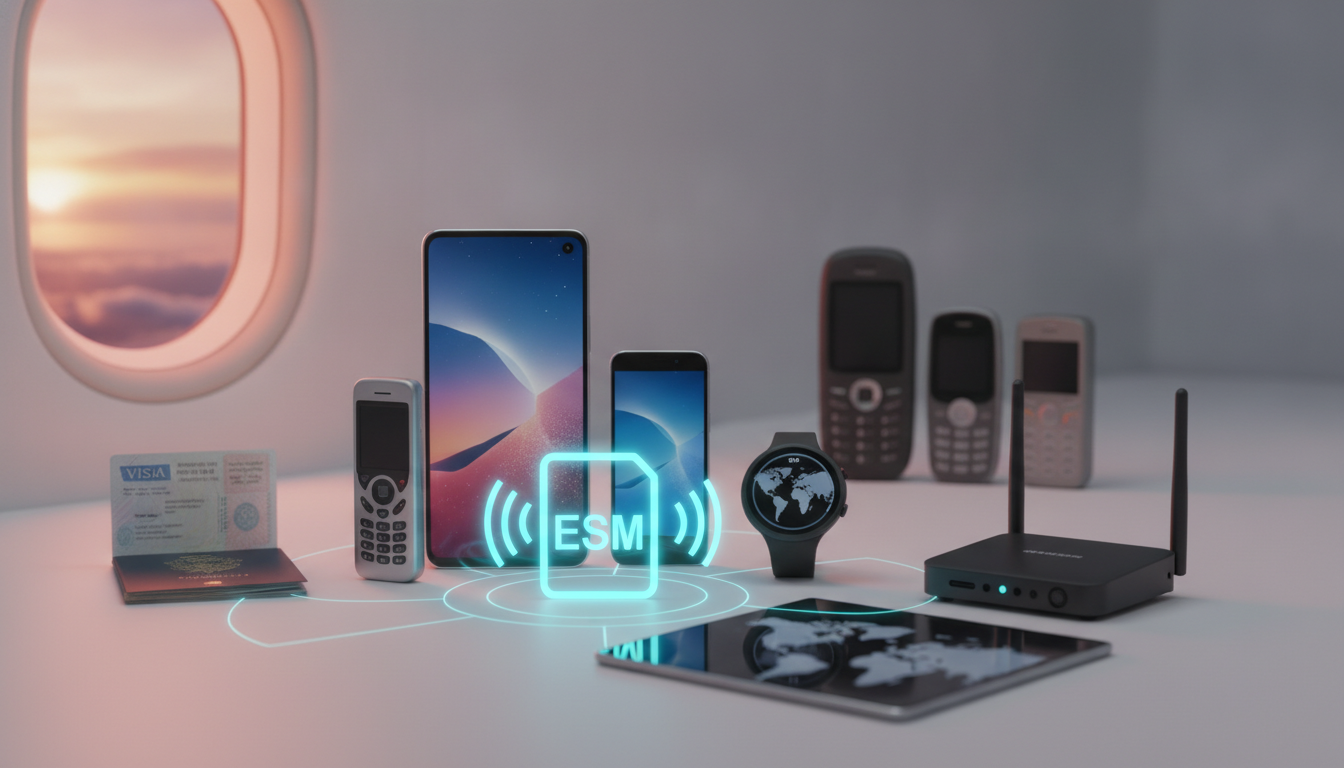
Eskimo eSIM works only when three conditions line up: your device must support eSIM, it must be unlocked, and the destination must be included in the selected plan. Eskimo advertises coverage in 175+ countries, a free global trial in 111 destinations, and 4G/5G data, but those figures do not remove device-level limits.
The devices most likely to support Eskimo eSIM
Eskimo is a data-only travel eSIM, so compatibility depends on the phone’s eSIM hardware and software rather than on the brand name alone. A recent iPhone may support it, while an older or regional version of the same model may not.
Apple’s iPhone XS, iPhone XS Max, and iPhone XR introduced eSIM support, but Apple states that availability can vary by country and model number. Later iPhone generations generally support eSIM, while some China-market iPhones use two physical SIM cards instead.
An iPhone purchased for mainland China should therefore be checked by model and Settings menu, not by name alone.
Samsung Galaxy devices can support eSIM on selected models, including certain Galaxy S20 and newer S-series variants, Galaxy Note20 models, and Galaxy Z Fold and Z Flip generations. Samsung’s regional firmware and model number matter: a Galaxy phone sold in one market may expose eSIM settings while a visually identical import does not.
Google Pixel phones have supported eSIM on recent generations, beginning with the Pixel 3 family in many markets. Google also notes market-specific restrictions, and some older Pixel models have carrier or regional limitations.
| Device check | What it must show | Why it matters |
|---|---|---|
| eSIM hardware | “Add eSIM,” “Add mobile plan,” or equivalent | Without an eSIM menu, the profile cannot be installed |
| Carrier unlock | No carrier restriction under SIM settings | A locked phone may reject Eskimo even when eSIM is present |
| Network bands | Bands used by the local partner network | The phone can install the profile but still fail to connect |
| Software | Current supported iOS or Android release | Old software can interfere with activation or cellular settings |
| Data line | A selectable mobile-data SIM | Eskimo supplies data; it does not replace your primary number |
I always start by checking the phone’s settings rather than relying on a retailer’s compatibility badge. On an iPhone, open Settings > General > About and look for an EID, then check Settings > Cellular > Add eSIM.
On Android, search Settings for “SIM,” “eSIM,” or “mobile plan.” The visible menu is a stronger practical signal than a generic model list.
What “unlocked” really changes
An unlocked phone accepts a SIM or eSIM from another operator. Apple describes this status under Settings > General > About > Carrier Lock, where an unlocked phone should show “No SIM restrictions.” Android wording differs by manufacturer, so the carrier or original seller may need to confirm it.
The common failure pattern is buying and downloading the eSIM while the phone is still carrier-locked. The profile may install correctly, but the device refuses registration on the partner network.
That is an activation problem caused by the handset, not proof that Eskimo coverage is absent.
Dual-SIM behavior is not unlimited
A compatible phone can usually keep your normal SIM active for calls and use Eskimo for mobile data. The exact combination depends on the handset.
On iPhone, Apple’s Dual SIM system lets you label lines and select the data line; on Android, menus vary by manufacturer.
When the primary line remains active abroad, disable data roaming on that line. Otherwise, the phone can switch data paths during a weak signal or background task and trigger roaming charges.
I’d advise against deleting your normal SIM before departure: you may need it for two-factor authentication, incoming calls, or account recovery.
Technical limits before you buy an Eskimo plan
Eskimo describes its service as a secondary, data-only connection. That means the eSIM does not normally provide a new mobile number for traditional calls or SMS.
Messaging apps, maps, email, ride-hailing, and internet calling can work through data, but SMS verification still depends on your original number or another supported method.
GSMA Specification SGP.22 defines the consumer eSIM remote-provisioning architecture used by many smartphones. In practical terms, the phone downloads a carrier profile rather than receiving a plastic SIM.
The standard does not guarantee that every phone supports every profile: the handset, operating system, carrier lock, and regional implementation still decide whether installation succeeds.
Eskimo promotes no-expiry data, meaning unused data can remain available for later trips instead of disappearing at the end of a short validity window. That does not mean unlimited data or universal connectivity.
The purchased package still has a finite allowance, and the phone must connect to a supported local network.
Eskimo also advertises hotspot support and transferable data. Hotspot availability can still be affected by the phone’s operating system and local network policy.
If the hotspot switch is missing or tethered devices receive no data, check that Eskimo is selected as the data line and that the operator’s APN settings have not been altered.
Coverage is a network question, not a map-color question
The advertised 175+ countries describes the service footprint, while the individual plan determines where the eSIM can connect. Eskimo’s Baltic offer, for example, is described as covering Estonia, Lithuania, and Latvia through its Europe plan.
A regional plan can therefore be more suitable than a single-country option, but only if every stop is explicitly listed.
The field mistake is checking the country list but ignoring remote areas, borders, and local partner networks. When the phone shows signal but data does not move, the cause may be incorrect data-line selection or APN configuration.
When there is no registration at all, the cause may be a missing partner network, unsupported band, or weak local coverage.
Before payment, verify:
- your exact destination, including transit countries;
- whether the plan is regional or country-specific;
- whether the advertised network supports 4G, 5G, or only a lower tier in that location;
- whether tethering is allowed;
- whether data remains available without an expiry date;
- whether the phone is unlocked and free of regional restrictions.
For a broader look at cheap eSIM phone plans, compare the technical conditions rather than choosing only by the headline data amount.
How to activate an Eskimo eSIM without losing your main line
Install the profile before departure while connected to reliable Wi-Fi, but do not make Eskimo your active data line until you need it. The exact app screens can change, yet the sequence remains straightforward.
- Check the device first. Confirm the EID and eSIM menu, then verify that the phone is unlocked. If either check fails, purchasing the plan will not solve the compatibility issue.
- Purchase the required data package. Eskimo’s app is listed for iPhone and Android, and its travel service is marketed for international use. Match the package to every country on your itinerary.
- Install the eSIM profile. Use the in-app installation flow or the supplied QR method. Keep Wi-Fi connected until the profile appears under Cellular or SIM settings.
- Label the lines. Name the new line “Eskimo” and keep your primary line identifiable. This prevents the most expensive mistake: confusing the data line with your normal roaming line.
- Select Eskimo for cellular data. Turn off data roaming on the primary SIM. If your phone offers “Allow Cellular Data Switching,” disable it while traveling.
- Test after landing. Turn on the Eskimo line, enable data roaming for that line if the instructions require it, and wait for network registration. A working connection should load a simple webpage before you rely on maps or ride services.
If installation succeeds but browsing fails, first check the selected data SIM, roaming toggle, and APN. Reinstalling immediately can make troubleshooting harder because an eSIM profile may have a limited installation policy.
I keep the QR code and order details accessible offline for that reason.
When another eSIM may be the safer choice
Eskimo’s “MYBESTSIM” code is listed by the MyBestSim comparison data as 10% off unlimited for Eskimo; the same listing places Eskimo at rank 61, without a supplied rating. Treat that as a price-checking detail, not evidence that the service will work on your particular phone or route.
| Provider | MyBestSim rank | Rating | Promo code | Discount |
|---|---|---|---|---|
| Eskimo | 61 | Not listed | MYBESTSIM | 10% off unlimited |
MyBestSim is useful at the purchase stage because the relevant comparison is not simply “which eSIM has the most gigabytes?” It is whether the provider offers a compatible profile, coverage for every stop, tethering where needed, and a workable support path if activation fails. The verified eSIM promo codes can reduce the cost, but a discount cannot compensate for a locked handset or an unsupported regional model.
One final device check matters on arrival: if the phone shows “SOS only” after Eskimo is selected, do not assume the plan is defective. First confirm that the eSIM line is enabled, data roaming is enabled on that line, automatic network selection is active, and the destination is included in the purchased plan; those settings determine whether the installed profile can actually reach its local partner network.
FAQ
Which iPhone models support an Eskimo eSIM?
iPhone XS, XS Max, and XR introduced eSIM support, while newer generations generally include it. However, country-specific versions can differ, especially iPhones sold in mainland China with two physical SIM slots. Check Settings > General > About for an EID and Settings > Cellular for the Add eSIM option before purchasing.
Which Samsung and Google Pixel phones support Eskimo?
Selected Samsung Galaxy S20 and newer S-series models, Note20 devices, and Z Fold or Z Flip phones support eSIM, depending on region and firmware. Google Pixel devices from the Pixel 3 family onward may also qualify. Always verify the exact model number and search Settings for eSIM or mobile-plan controls.
Does an Eskimo eSIM require an unlocked phone?
Yes, the phone must generally be unlocked to accept Eskimo’s profile and connect to a partner network. On iPhone, Settings > General > About should show “No SIM restrictions” under Carrier Lock. Android menus vary, so confirm unlock status with the original carrier or retailer before traveling.
How do Eskimo plans affect destination compatibility?
Eskimo’s advertised country count does not mean every plan works everywhere. Your selected package must specifically include each destination, including regional stops or transit countries, and local connectivity can vary by partner network, coverage area, and supported frequency bands. Check the plan details before payment rather than relying on the global map.
What should you check if Eskimo installs but fails?
Confirm Eskimo is enabled as the mobile-data line, data roaming is active for that line, and automatic network selection is enabled. Also review APN settings and verify the destination is covered. Keep your primary line’s roaming disabled, then test a simple webpage before reinstalling the profile or changing other settings.

Marcus Bennett
Marcus is a travel and tech writer who has tested eSIMs and data plans across dozens of countries. At eSIM Promo Codes he tracks down the best working coupons and explains how to stay online abroad without falling into the roaming trap.