Free eSIM Service: Which Devices Support It in 2026?
11/13/2026
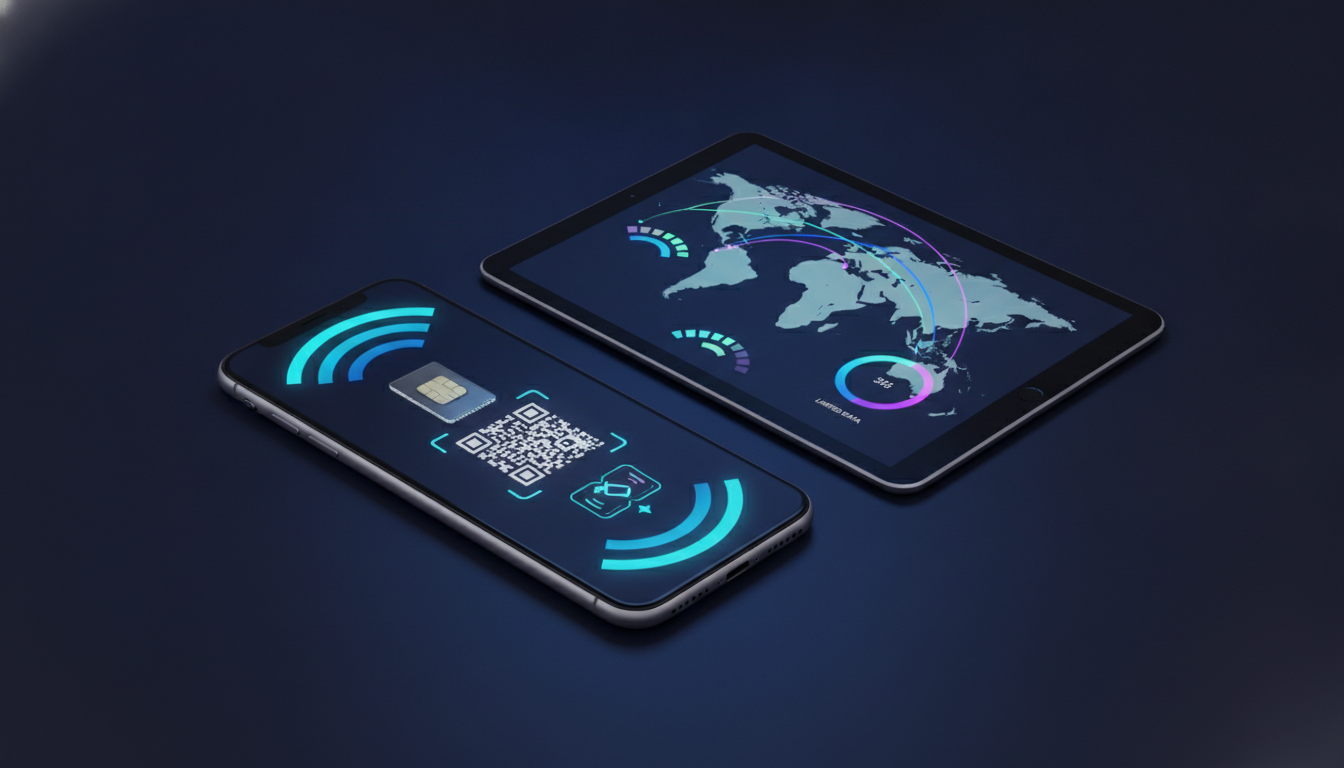
A genuinely free eSIM service usually means limited data, a short validity period, or a promotional allocation—not unlimited mobile internet. Before installing one, check three things: your phone must support eSIM, the device must be unlocked, and the service must have a partner network in your destination.
A QR code alone cannot overcome an incompatible handset or a blocked carrier profile.
Check Your Phone Before Looking for Free Data
eSIM support is a hardware and software feature, not an app feature. Installing an eSIM application does not make a SIM-only phone compatible.
Phones That Commonly Support eSIM
Apple lists eSIM support from the iPhone XS, iPhone XS Max, and iPhone XR onward, although regional variants can differ. Google introduced eSIM support on the Pixel 3, while Samsung includes it on selected Galaxy S20-series devices and later models.
The exact model code matters: a phone sold for a particular market may omit eSIM even when the same family supports it elsewhere.
| Device check | What to verify | Why it matters |
|---|---|---|
| iPhone | iPhone XS/XR or newer, with a compatible regional model | Older iPhones cannot download an eSIM profile |
| Google Pixel | Pixel 3 or newer, subject to model and carrier support | Some network variants restrict eSIM use |
| Samsung Galaxy | Selected Galaxy S20 models and newer supported models | Availability differs by region and firmware |
| Android phone | Look for Add eSIM or Download a SIM in Settings | The menu confirms software access, but not destination coverage |
On an iPhone, open Settings > Cellular/Mobile Service > Add eSIM. On Android, the wording varies, but it commonly appears under Settings > Network & internet > SIMs or Connections > SIM manager.
If there is no eSIM option, do not buy a QR code expecting an app to fix the limitation.
I always start by checking the exact model number, not just the marketing name. A regional variant can have the same retail name while lacking the eSIM chipset or carrier configuration, so the model identifier is the useful evidence.
The Phone Must Usually Be Unlocked
A free eSIM can download successfully and still fail to connect if the phone is carrier-locked. On an iPhone, Apple exposes this under Settings > General > About > Carrier Lock; “No SIM restrictions” indicates an unlocked device.
Android menus vary by manufacturer, so the carrier remains the final authority.
This is a common failure pattern: the QR code scans, the profile appears in the SIM list, but registration never completes. The mechanism is a network restriction on the handset, not a defective eSIM.
I’d advise against deleting your existing profile until the new line has registered, because removing it can make troubleshooting harder.
What “Free” Actually Includes
A free eSIM service may provide a small data allowance, a trial, or a promotional first connection. Those are different products, and the activation conditions can be more important than the word “free.”
| Offer type | What you receive | Limitation to inspect |
|---|---|---|
| Free eSIM data plan | A stated data allowance at no charge | Data may expire after a defined period |
| Free eSIM trial | Temporary access to test service | Payment details or automatic conversion may be required |
| Promotional eSIM | Free data attached to an account or campaign | Eligibility, country, or first-install restrictions |
| Free international eSIM | Coverage across multiple countries | Partner networks and roaming zones may be limited |
Read the activation page for these details before installing:
- The data amount and validity period
- Supported countries and network names
- Whether payment details are required
- Whether the profile expires if unused
- Whether voice calls and SMS are included
- Whether hotspot or tethering is allowed
- Whether automatic renewal is enabled
A “free eSIM trial” that requests a card is not necessarily fraudulent, but it is not the same as a no-payment free eSIM. If the service converts to a paid subscription, the cancellation rule belongs in your checklist.
On many travel profiles, the validity clock starts when the eSIM first connects to a supported network rather than when the QR code is scanned. That distinction matters: installing at home may be harmless, but connecting prematurely can consume the active period before your flight.
Activation Depends on More Than the QR Code
The eSIM profile is downloaded through the internet, then authenticated by the carrier’s provisioning system. The GSMA specification SGP.22, formally titled the “Remote SIM Provisioning Technical Specification for Consumer Devices,” defines the consumer eSIM provisioning framework used by compatible devices.
Install It While You Still Have Wi-Fi
Use this order:
- Connect the phone to reliable Wi-Fi.
- Open the mobile operator’s app or the phone’s cellular settings.
- Scan the QR code or enter the activation details manually.
- Label the new line clearly, such as “Travel Data.”
- Keep your primary SIM enabled for calls if required.
- Set the eSIM as the mobile-data line.
- Enable data roaming only for the travel line when the provider instructs you to do so.
- Test a webpage after the phone shows a network name.
The sign of successful installation is not merely seeing the eSIM listed in Settings. The useful test is a registered network and working data connection.
If the profile installs but the status remains “Activating,” leave Wi-Fi connected and check that the device has not selected an unavailable network manually.
I always keep the original SIM installed until the travel line works. Removing the primary line too early can eliminate access to SMS verification codes, which some accounts require during activation.
APN and Network Selection Can Decide the Result
Some eSIMs configure the Access Point Name automatically; others require manual entry. The APN tells the phone how to reach the provider’s packet-data gateway.
An incorrect APN can produce full signal bars with no internet, because radio registration and data authentication are separate steps.
If data fails:
- Confirm that mobile data is assigned to the eSIM.
- Check the provider’s APN instructions exactly.
- Return network selection to automatic.
- Restart the phone after changing the APN.
- Test without a VPN or private DNS configuration.
A manual network choice that works in one city can fail after crossing a border because the eSIM’s roaming agreement may use a different partner. Automatic selection is usually safer unless the provider names a specific network.
Coverage and Compatibility Have Separate Limits
A free international eSIM is not automatically universal. “International” describes the service area, while the actual connection depends on the countries included, local partner networks, supported radio bands, and the phone’s regional configuration.
Coverage can fail in four distinct ways:
- The destination is outside the plan’s country list.
- The eSIM has no roaming agreement with a local operator.
- The handset does not support the required LTE or 5G bands.
- The phone connects to a partner network but the data allowance is exhausted.
The last case is especially easy to misread. A phone may continue showing signal after the free data balance reaches zero, because network registration remains active while packet data is blocked.
Check the account dashboard or usage counter before changing settings.
A free eSIM may also be data-only. In that case, your phone number remains attached to the physical SIM, while the eSIM supplies internet access.
Messaging apps can continue working through data, but ordinary cellular calls and SMS may not be included.
For a broader comparison of paid backup options, the verified eSIM promo codes for international travel data page is useful only after you have confirmed that your phone and destination are compatible. A discount does not solve a locked device or missing network agreement.
How to Avoid Surprise Charges
Set the travel eSIM as the only line permitted to use mobile data, then disable data switching. On iPhone, the “Allow Mobile Data Switching” option can silently move traffic to the primary line when the travel eSIM has weak service.
That is how a supposedly free connection can become a roaming bill.
Before departure, record:
- The free allowance and expiry condition
- The activation date
- The included countries
- The supported network partners
- The provider’s support channel
- The cancellation or conversion rule, if it is a trial
I would not rely on a free eSIM as the only connection for airport transfers, border crossings, or account recovery. Download boarding passes and maps over Wi-Fi first, and keep the physical SIM available for verification messages.
If the free profile reaches its limit, the phone’s emergency fallback is not the same as ordinary internet access.
FAQ
Can any phone use a free eSIM service?
No. Your phone needs built-in eSIM support, an appropriate regional model, and compatible software. Common examples include iPhone XS and newer, Pixel 3 and later, and selected Samsung Galaxy S20-series devices. Verify the exact model number and look for an eSIM option in cellular or SIM settings.
How can you tell whether your phone is unlocked?
On an iPhone, open Settings, General, About, and check Carrier Lock. “No SIM restrictions” means the device is unlocked. Android menus differ, so contact your carrier for confirmation. A locked phone may download an eSIM profile but prevent it from registering on the provider’s network.
What does a genuinely free eSIM service include?
It usually includes a limited data allowance, a temporary trial, or promotional access rather than unlimited internet. Check the amount of data, expiration date, supported countries, partner networks, and whether payment details are required. Also confirm whether voice calls, SMS, tethering, or automatic renewal are included.
When should you install a free travel eSIM?
Install the profile while connected to reliable Wi-Fi, preferably before departure, but avoid connecting it to a supported mobile network too early. Some providers start the validity period upon first network connection. Keep your primary SIM active until the travel line registers and mobile data works successfully.
Why can a free eSIM show signal without internet?
Signal bars only confirm network registration, not available data service. Internet access may fail because the allowance is exhausted, the APN is incorrect, mobile data is assigned to another line, or the destination network is unsupported. Check usage, APN settings, automatic network selection, and roaming instructions.

Marcus Bennett
Marcus is a travel and tech writer who has tested eSIMs and data plans across dozens of countries. At eSIM Promo Codes he tracks down the best working coupons and explains how to stay online abroad without falling into the roaming trap.