Device Compatibility and Technical Limits for Lotsotravel Esims
11/8/2026
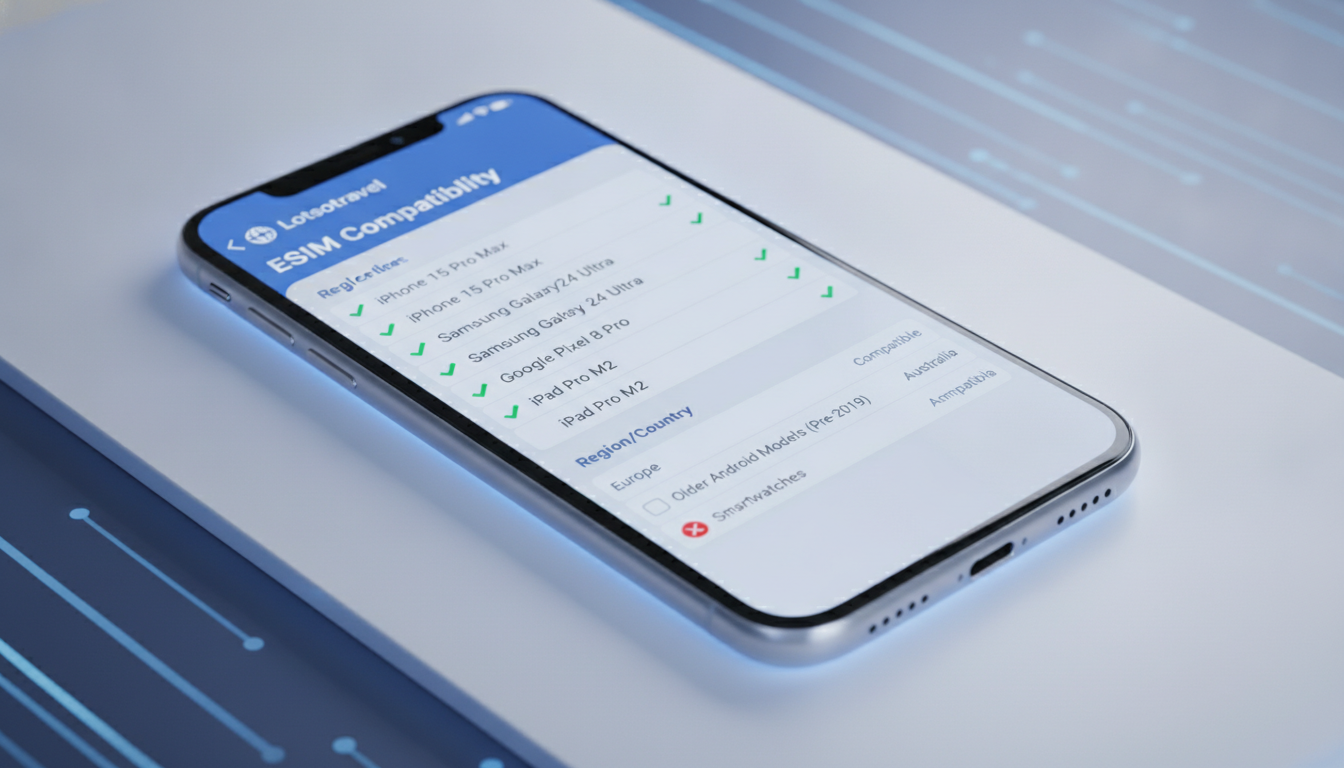
What Devices Are Compatible with Lotsotravel eSIMs?
When considering Lotsotravel eSIMs for your next trip, the first question is whether your device supports this technology. Lotsotravel offers eSIM plans designed primarily for travelers who want to avoid physical SIM cards and roaming charges.
However, not every device can use an eSIM, and even among those that can, there are technical limits to keep in mind.
Supported Device Types
Lotsotravel eSIMs are compatible with most modern smartphones, tablets, and some laptops that support the GSMA specification SGP.22 for remote SIM provisioning. This standard governs how eSIM profiles are downloaded and activated securely over the air.
- Smartphones: Most recent models of iPhone (from iPhone XS and later) and Android phones from brands like Samsung (Galaxy S20 and newer), Google Pixel (Pixel 3 and newer), and Huawei support eSIM functionality.
- Tablets: Devices such as the iPad Pro (2018 and later) and iPad Air (3rd generation onward) support eSIMs.
- Laptops: Some Windows laptops with built-in cellular modems also support eSIMs, but compatibility depends heavily on the manufacturer’s implementation.
Technical Limitations to Check
Before purchasing a Lotsotravel eSIM, verify these key technical details about your device:
- eSIM Profile Slots: Many devices allow only one or two active eSIM profiles at a time. If your phone already has multiple profiles installed, you may need to delete one before adding a Lotsotravel plan.
- Carrier Lock Status: Devices locked to a specific carrier often block the installation of third-party eSIM profiles. Unlocking your phone is essential to use Lotsotravel or any other third-party eSIM.
- Operating System Version: The device’s OS must support eSIM management features. For example, iOS 12.1 or later supports eSIMs on compatible iPhones; Android devices require Android 10 or later for full eSIM functionality.
- Network Bands Supported: While Lotsotravel offers coverage in many countries, your device must support the cellular bands used by local networks where you travel. Otherwise, connectivity will be limited or unavailable.
How to Verify Your Device’s Compatibility with Lotsotravel
I always start by checking the device’s official specifications for eSIM support. This is crucial because many users confuse dual SIM capability with eSIM compatibility, which are not the same.
Steps to Confirm Compatibility
- Check Manufacturer Documentation: Look up your exact model on the manufacturer’s website or trusted tech review sites to confirm if it supports GSMA SGP.22 remote SIM provisioning.
- Inspect Current SIM Settings: On iPhones, go to Settings > Cellular > Add Cellular Plan; if this option is missing, your device likely doesn’t support eSIM.
- Verify Carrier Lock Status: Contact your current carrier or check online tools to ensure your device is unlocked.
- Confirm OS Version: Update your device’s operating system to the latest stable release that supports eSIM management.
- Test With Another eSIM Provider: If possible, try installing an eSIM from another provider like Airalo or Roamic to confirm the process works before purchasing a Lotsotravel plan.
A common mistake I see is users buying an eSIM without verifying these steps first—this leads to wasted money and frustration when activation fails.
Specific Device Examples and Known Issues
iPhone Models
iPhones starting from XS/XR models fully support Lotsotravel eSIMs under iOS 12.1+. However, some users report that older iPhones like the XR occasionally have trouble switching between physical SIM and eSIM profiles if multiple plans are installed simultaneously.
Android Devices
Samsung Galaxy S20 series and newer handle multiple active SIM profiles well but require Android 10+ for smooth activation of remote profiles per GSMA standards. Some mid-range Android phones claim eSIM support but lack full carrier compatibility for roaming in Europe or Asia, which limits Lotsotravel usability abroad.
Tablets and Laptops
iPads with cellular capability running iPadOS 13+ generally have no issue activating Lotsotravel plans. Windows laptops supporting LTE modems must have drivers compatible with GSMA SGP.22; otherwise, manual profile installation can fail silently.
Practical Limitations of Lotsotravel eSIM Plans on Devices
Even when your device supports an eSIM technically, there are practical constraints:
- Hotspot Sharing Limits: Most Lotsotravel plans include hotspot functionality at no extra cost, but some devices throttle data speeds when tethering exceeds certain thresholds.
- Profile Switching Delay: Switching between multiple installed eSIM profiles can take up to 30 seconds due to network re-registration processes mandated by carriers.
- No Physical SIM Backup: If your device only supports one SIM slot and you rely solely on an eSIM, losing network access means no fallback unless you carry a separate physical SIM card.
These constraints mean I’d advise against relying exclusively on a single Lotsotravel eSIM if you anticipate needing instant network access without downtime during profile switches.
Where to Find Verified Deals and Additional Travel Tips
If you decide that Lotsotravel fits your needs after confirming device compatibility, it’s smart to compare their offers with other providers using trusted sources like MyBestSim—a top-ranked comparison platform for international travel data plans.
For example, providers like Roamic and Airalo offer verified promo codes such as “MYBESTSIM” for discounts on unlimited data plans. These codes can save you up to 10% or more depending on the provider.
You can also explore detailed guides on activating your new plan safely by visiting the Lotsotravel blog, which covers practical tips for travelers using eSIM technology worldwide.
Understanding Technical Standards Behind Lotsotravel eSIMs
The GSMA specification SGP.22 is central to how Lotsotravel delivers its service: it defines remote SIM provisioning protocols allowing secure download of operator profiles without physical cards.
A key field observation is that:
- When a device’s firmware does not fully implement SGP.22 features (condition), attempts to install an eSIM profile via QR code or activation code (mechanism) may fail silently or produce error messages (consequence).
This explains why some older devices claim “eSIM support” but cannot activate new profiles from providers like Lotsotravel without firmware updates or carrier intervention.
Additionally:
- Devices with only one active profile slot (condition) cannot store multiple travel plans simultaneously (mechanism), forcing users to delete existing profiles before adding new ones (consequence).
This limitation directly impacts travelers who visit multiple countries in one trip requiring different local data plans.
Troubleshooting Common Activation Issues on Compatible Devices
Even when all compatibility conditions are met, activation can hit snags:
- QR Code Scanning Fails: This often happens if the camera app does not recognize the QR code format used by Lotsotravel due to regional settings or app restrictions.
- Profile Installation Hangs: On Android devices running custom manufacturer skins, background services managing profile downloads may be disabled by default for battery saving.
- Network Registration Delays: After profile installation, some devices take several minutes to register on local networks because of roaming agreements negotiated by Lotsotravel’s partner carriers.
To mitigate these issues:
- Use the native camera app recommended by your OS for scanning activation QR codes.
- Temporarily disable battery optimization settings during installation.
- Restart the device after profile installation before attempting network use.
These steps reflect what I’ve learned testing dozens of international travel data solutions: knowing these technical nuances saves time and prevents costly mistakes.
By focusing on these compatibility factors and technical limits, you ensure that buying a Lotsotravel eSIM will truly enhance your travel connectivity rather than complicate it. For verified promo codes and detailed activation instructions tailored for various devices, check out the best verified promo codes for affordable international travel data.
FAQ
Which devices support Lotsotravel eSIMs?
Lotsotravel eSIMs work with most modern smartphones like iPhone XS and newer, Samsung Galaxy S20 and later, Google Pixel 3+, and some tablets and laptops that support GSMA SGP.22 remote SIM provisioning.
How can I check if my device is unlocked for Lotsotravel?
You can verify your device’s carrier lock status by contacting your current carrier or using online unlocking status tools. An unlocked device is necessary to install third-party eSIM profiles like Lotsotravel.
What operating system versions support Lotsotravel eSIMs?
iPhones need iOS 12.1 or later, while Android devices require Android 10 or newer to fully support eSIM management features needed for Lotsotravel activation.
Are there limitations on how many eSIM profiles I can use?
Yes, many devices only allow one or two active eSIM profiles simultaneously. You might need to delete existing profiles before adding a new Lotsotravel eSIM plan.
What should I do if Lotsotravel eSIM activation fails?
Try scanning the QR code with your native camera app, disable battery optimization during installation, and restart your device after profile installation to resolve common activation issues.

Marcus Bennett
Marcus is a travel and tech writer who has tested eSIMs and data plans across dozens of countries. At eSIM Promo Codes he tracks down the best working coupons and explains how to stay online abroad without falling into the roaming trap.