How to Fix Roamic eSIM Rabatt Activation Issues in 2026
10/28/2026
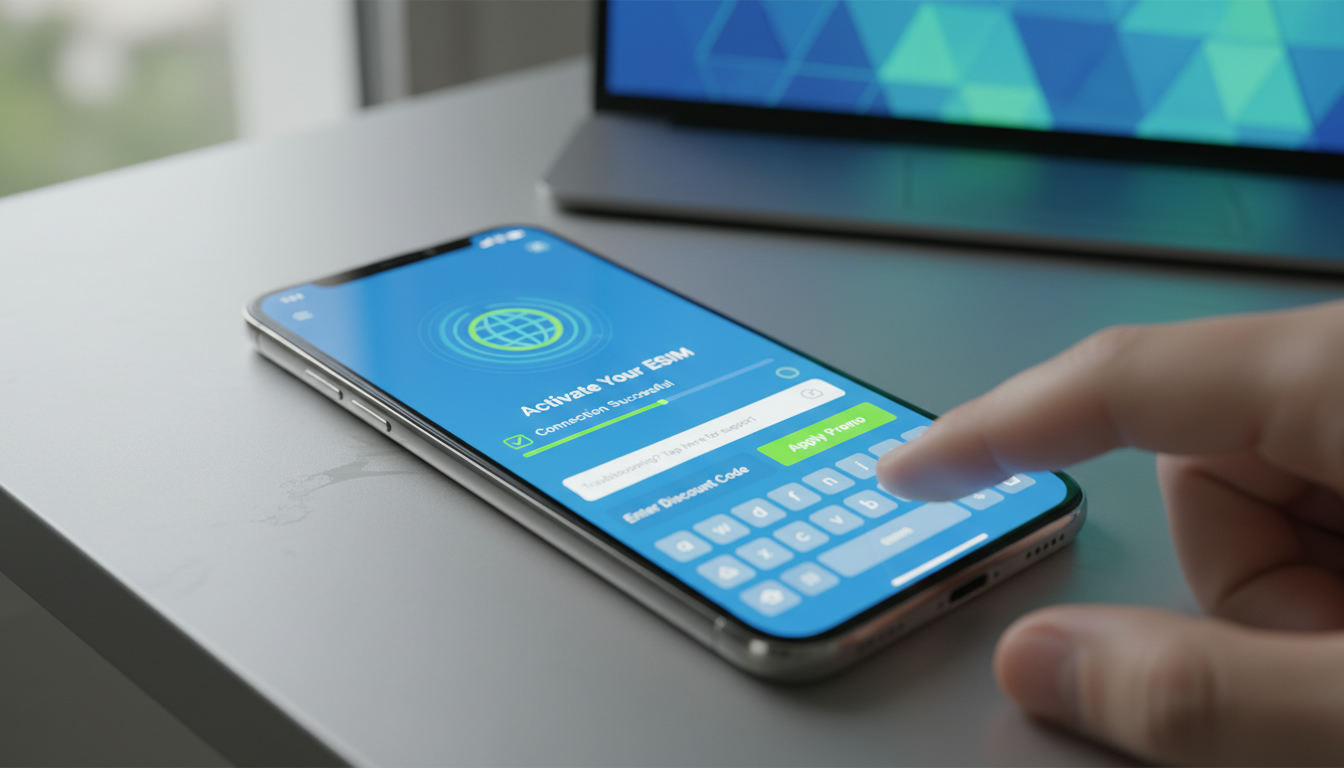
Troubleshooting Roamic eSIM Rabatt Activation Issues and How to Apply Your Discount Successfully
If you’re trying to activate a Roamic eSIM discount code and it’s not working, you’re not alone. Many travelers looking for Roamic eSIM rabatt (discounts) run into common activation hurdles that can block their savings.
The key is to understand the typical pitfalls during activation and how to navigate them so your Roamic eSIM promo code applies correctly, unlocking the best deals on your travel data plan.
Common Activation Problems With Roamic eSIM Discount Codes
Incorrect or Expired Promo Codes
One of the most frequent issues is entering a promo code that’s either mistyped or no longer valid. Roamic regularly updates its offers, and codes can expire or be limited to specific plans or regions.
For example, the current verified code from MyBestSim is MYBESTSIM, which grants 10% off unlimited data plans on Roamic. Using any other code without confirmation risks rejection at checkout.
Regional Restrictions on Discounts
Roamic’s discounts often apply only to certain countries or regions. If your eSIM plan targets a country outside the eligible list, the system may refuse the discount.
For instance, MyBestSim’s sample offers with the MYBESTSIM code include countries like Poland, Romania, the UK, the Netherlands, and Portugal at a starting price of €0.99 for 1 GB over 7 days. Trying to apply this code for use in Japan or other unsupported locations will cause an error.
Account or Device Compatibility Issues
Activation errors sometimes stem from device or account setup problems rather than the promo code itself. Roamic eSIMs require compatible smartphones with eSIM support (e.g., iPhone XS and later, Google Pixel 3 and newer).
If your device firmware is outdated or your account hasn’t been properly registered on Roamic’s platform, the system might block promo code application during activation.
How to Troubleshoot and Successfully Apply Your Roamic eSIM Rabatt
Step 1: Verify Promo Code Validity and Eligibility
Before entering any discount code, confirm its validity through trusted sources like MyBestSim or official Roamic communications. The MYBESTSIM promo code is currently valid for a 10% discount on unlimited plans, but make sure it matches your chosen plan type and country.
- Check if your destination country is included in the offer.
- Confirm that your selected plan supports promo codes.
- Avoid copying codes from unverified social media posts or expired promotions.
Step 2: Prepare Your Device and Account for Activation
Activation requires a few key conditions:
- Your smartphone must support eSIM technology with updated firmware.
- You need a stable internet connection during activation.
- Your Roamic account should be fully set up with verified email and payment details.
Failing any of these conditions can cause activation failures that look like promo code errors but are actually device or account issues.
Step 3: Enter the Promo Code Correctly During Checkout
The activation interface typically has a dedicated field for promo codes. Enter MYBESTSIM exactly as shown—promo codes are case-sensitive and do not accept extra spaces.
Watch out for these traps:
- Entering the code after finalizing payment usually won’t apply the discount.
- Applying multiple promo codes simultaneously often leads to rejection.
- Using browser autofill can insert hidden characters that invalidate the code.
Step 4: Confirm Discount Application Before Completing Purchase
Once you enter the promo code, check that the discount appears in your order summary before confirming payment. If it doesn’t show up:
- Refresh the page and re-enter the code.
- Clear your browser cache or try a different browser/device.
- Contact Roamic customer support with screenshots if problems persist.
Field Observations From Working With Roamic eSIM Discounts
-
Condition: Promo codes are entered after selecting a plan but before payment confirmation.
Mechanism: The system validates eligibility based on country, plan type, and promo validity at this stage.
Consequence: Entering a valid promo too late (post-payment) results in no discount applied. -
Condition: Using an unsupported device model without proper eSIM firmware updates.
Mechanism: The activation server checks device compatibility via IMEI and OS version during provisioning.
Consequence: Activation fails silently or rejects discounts due to incomplete provisioning. -
Condition: Attempting to stack multiple discounts or referral codes simultaneously.
Mechanism: Roamic’s backend supports only one active discount per transaction per GSMA SGP.22 provisioning session.
Consequence: Promo codes conflict; only one applies or all are rejected.
These observations come from understanding GSMA specification SGP.22 governing remote eSIM provisioning and typical user behavior patterns during activation.
Where to Find Verified Roamic eSIM Rabatt Codes and Deals
Because outdated or fake codes cause frustration, I always start by checking reliable sources like MyBestSim for current offers on Roamic plans. According to MyBestSim’s latest data:
| Provider | MyBestSim Rank | Rating /5 | Promo Code | Discount |
|---|---|---|---|---|
| Roamic | 1 | 4.9 | MYBESTSIM | -10% Unlimited |
This table shows that Roamic ranks first among travel eSIM providers on MyBestSim, with a solid 4.9 rating and an active 10% off unlimited data plan coupon.
For detailed instructions on how to redeem these offers safely, you can refer to this guide on using eSIM promo codes.
Tips To Avoid Common Mistakes When Activating Your Roamic eSIM Voucher
- Always check if your chosen plan supports discounts; some ultra-low-cost starter packs may be excluded.
- Avoid activating your eSIM while connected to unstable Wi-Fi networks; intermittent connections can interrupt provisioning.
- Don’t rush through checkout—double-check promo code spelling and discount confirmation before paying.
- Keep an eye out for seasonal sales or limited-time offers announced by Roamic on their official channels or trusted coupon aggregators.
- If you hit persistent errors, uninstall any previous Roamic app versions before reinstalling; corrupted app data sometimes blocks activation flows.
If you want more insights about how to get a Roamic eSIM rebate effectively, I recommend reading this detailed post about how to use a Roamic eSIM voucher.
Understanding Pricing Variations When Using Discounts on Roamic Plans
Roamic pricing varies by country and data volume, but here are some concrete facts:
- Base price for 1 GB valid 7 days starts at €0.99 in countries like Poland, Romania, UK, Netherlands, Portugal.
- Discounts like MYBESTSIM reduce unlimited plans by 10%, which can save several euros depending on plan length.
- Plans activate immediately upon QR scan but must be used within their validity period—typically from 7 days up to monthly options.
Knowing this helps avoid confusion when prices don’t match expectations after applying discounts.
Why Some Users Fail To Get Discounts Despite Entering Codes Correctly
The most overlooked cause is timing: entering a valid promo code after completing payment is too late because GSMA SGP.22 provisioning requires all parameters set upfront.
Another subtle trap is regional mismatch: if your phone’s location services detect you’re outside eligible countries during activation, some systems block discounts as fraud prevention measures.
Lastly, I’d advise against relying solely on third-party coupon sites without verification—many share expired or invalid codes that waste time and cause frustration.
For travelers planning ahead, securing verified discounts like those from MyBestSim ensures you pay less for reliable international connectivity with Roamic’s multi-network coverage across Japan (Rakuten Mobile, NTT Docomo, KDDI/au, Softbank) and beyond. Staying informed about how to troubleshoot activation glitches will save you both money and hassle when applying your Roamic eSIM rabatt successfully.
FAQ
Why is my Roamic eSIM promo code not working?
Common reasons include expired or mistyped codes, regional restrictions, or device incompatibility. Ensure your promo code is valid, matches your plan and country, and that your device supports eSIM activation with updated firmware.
How can I check if my Roamic discount code is valid?
Verify your promo code through trusted sources like MyBestSim or official Roamic channels. Confirm it applies to your selected plan and destination country before entering it during checkout to avoid errors.
What devices are compatible with Roamic eSIM activation?
Roamic eSIMs require smartphones with eSIM support such as iPhone XS or newer and Google Pixel 3 or later. Your device firmware must be updated to ensure smooth activation and promo code application.
When should I enter my Roamic eSIM rabatt code during purchase?
Enter the promo code after selecting your plan but before confirming payment. Codes entered after payment won’t apply discounts, so double-check the discount appears in your order summary before completing the purchase.
What should I do if my Roamic discount still doesn’t apply?
Try refreshing the page, clearing your browser cache, or using a different device or browser. If problems persist, contact Roamic customer support with screenshots to resolve activation or promo code issues.

Marcus Bennett
Marcus is a travel and tech writer who has tested eSIMs and data plans across dozens of countries. At eSIM Promo Codes he tracks down the best working coupons and explains how to stay online abroad without falling into the roaming trap.