How to Test an eSIM for Compatibility and Functionality in 2026
7/3/2026
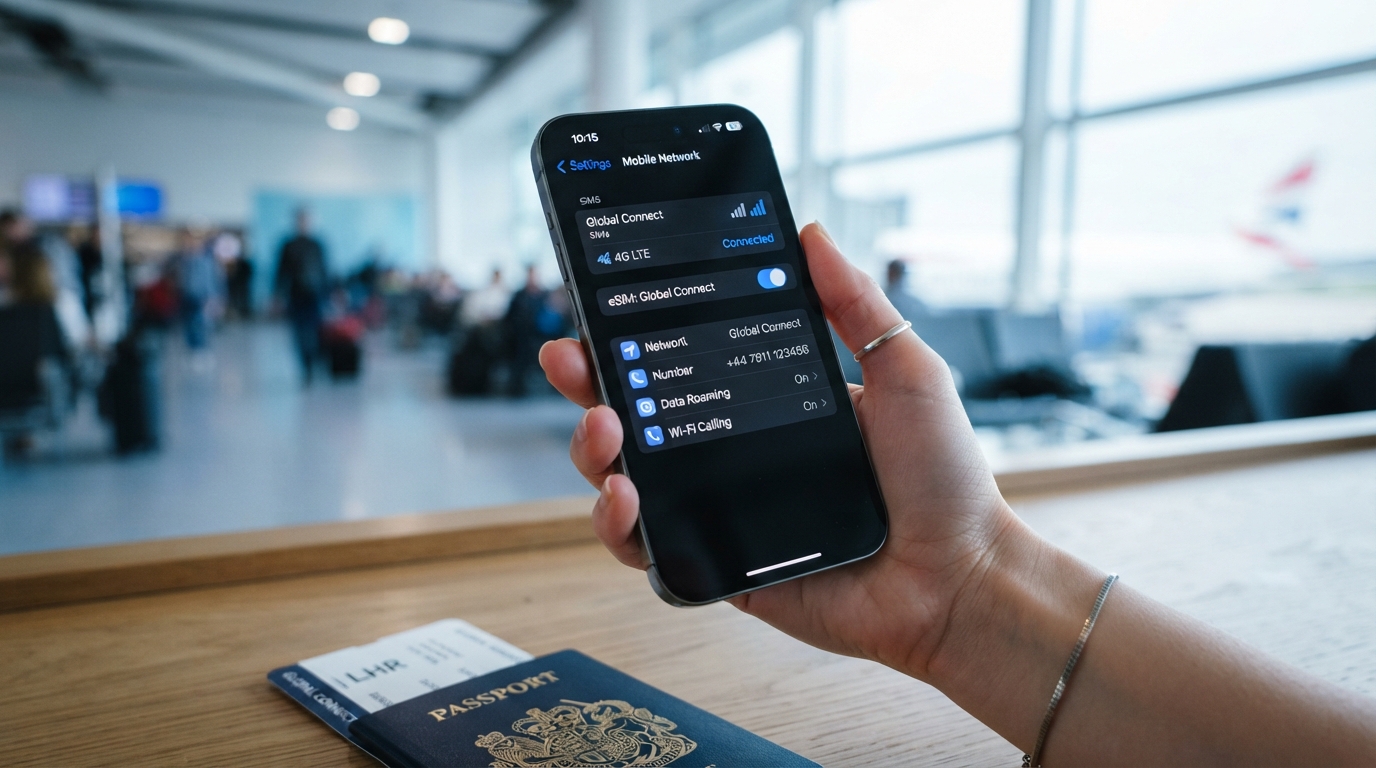
In short, what you'll discover in this article: How to test an eSIM on your device before fully switching from a physical SIM card. Simple steps, troubleshooting tips, and ways to verify your eSIM’s activation and functionality for smooth connectivity during travel or daily use.
1. Understanding What an eSIM Is
1.1 Definition and How eSIM Works
An eSIM (embedded SIM) is a digital SIM embedded directly into your device’s motherboard, eliminating the need for a physical SIM card. Unlike traditional SIM cards, the eSIM can be programmed remotely with different carrier profiles, allowing you to switch operators or plans without swapping cards.
1.2 The Difference Between eSIM and Physical SIM Card
The main difference lies in form and flexibility. A physical SIM is a removable card, while an eSIM is built-in and programmable.
This technology offers benefits such as easier switching between carriers, support for multiple profiles on one device, and enhanced security features.
2. Compatibility and Supported Devices
2.1 Phones, Watches, Tablets, and Computers
Most modern smartphones like iPhones (XS and later), Google Pixel models, Samsung Galaxy S20 and newer support eSIMs. Additionally, some smartwatches, tablets, and laptops now include eSIM functionality.
Ensuring your device supports the eSIM feature is critical before activation.
2.2 Checking Carrier Compatibility
Not all carriers support eSIMs yet. Before purchasing or activating an eSIM data plan, verify with your carrier that your device’s model and software version are compatible with their eSIM service.
3. How to Activate and Test an eSIM
3.1 Activation Methods: QR Code, Carrier App, or Manual Entry
Activating an eSIM typically involves scanning a QR code provided by your carrier or entering activation details manually through your phone’s settings or carrier app. Some providers also offer apps that simplify this process.
3.2 Step-by-Step Guide to Testing Your eSIM
To ensure your test e sim works properly:
- Activate the eSIM profile by scanning the QR code or using the carrier app.
- Check network connection by looking for signal bars or carrier name on your device.
- Make a test call to confirm voice service.
- Send a text message to verify SMS functionality.
- Use mobile data to browse the internet or stream content.
- Switch between physical SIM and eSIM if you have a dual SIM setup to confirm seamless switching.
If any step fails, try restarting your device or reactivating the profile.
4. Advantages and Disadvantages of Using an eSIM
4.1 Benefits of eSIM Technology
- Flexibility: Easily switch carriers without changing physical cards.
- Multi-profile support: Store multiple plans on one device.
- Ideal for travel: Quickly add international plans without visiting stores.
- Enhanced security: Harder to remove or tamper with compared to physical SIMs.
4.2 Potential Drawbacks
- Some carriers may lock the eSIM profile.
- Transferring profiles between devices can be less straightforward.
- Not all devices or carriers support dual SIM and eSIM setups equally.
5. Choosing the Best Providers and Plans for Your Needs
When selecting an eSIM for international travel or daily use, consider these criteria:
- Coverage area matching your travel destinations
- Data volume included in the plan
- Price competitiveness
- Ease of activation and customer support quality
- Availability of verified promo codes for affordable rates
For detailed comparisons of top providers like Holafly, Airalo, and Saily, visit bestesim or explore verified discounts at best verified esim promo codes for affordable international travel data.
6. Conclusion
Testing your eSIM before fully switching from a physical SIM card ensures smooth connectivity whether at home or abroad. Following simple activation steps and verifying calls, texts, and data will help avoid frustration later on. For more tips on choosing the best plans and providers, check out our detailed guides at esimpromocodes.com.
FAQ
How can I test if my eSIM is activated correctly?
To test your eSIM activation, scan the carrier's QR code or use their app to activate it. Then check for signal bars, make a test call, send a text, and use mobile data to confirm full functionality.
What devices support eSIM technology today?
Most recent smartphones like iPhone XS and newer, Google Pixel models, Samsung Galaxy S20 and later, plus some smartwatches, tablets, and laptops support eSIMs. Verify your device model supports eSIM before activation.
Why should I test my eSIM before switching from a physical SIM?
Testing ensures your eSIM works properly to avoid connectivity issues. It helps confirm calls, texts, and data function smoothly so you won’t face disruptions when relying fully on the eSIM.
How do I troubleshoot if my eSIM test fails?
If testing fails, restart your device and try reactivating the eSIM profile. Also verify carrier compatibility and ensure your device software is up to date to resolve common issues.
Can I switch between physical SIM and eSIM on one device?
Yes, many dual SIM devices allow seamless switching between physical SIM and eSIM profiles. Testing this switch helps confirm both lines work correctly without interrupting service.

Marcus Bennett
Marcus is a travel and tech writer who has tested eSIMs and data plans across dozens of countries. At eSIM Promo Codes he tracks down the best working coupons and explains how to stay online abroad without falling into the roaming trap.