Moremins Review for Device Compatibility and Technical Limits in 2026
11/2/2026
MoreMins Review: Device Compatibility and Technical Limitations Explored
If you’re considering MoreMins for your virtual phone number and eSIM needs, the first question you should ask is: does it actually work on my device? MoreMins offers a combination of virtual phone numbers, cheap international calls, and eSIM data plans, but its compatibility varies depending on your hardware and software environment.
I always start by checking the device’s eSIM support because not all phones or tablets can handle MoreMins’ eSIM profiles. Understanding these technical limits upfront saves you from wasted time and money.
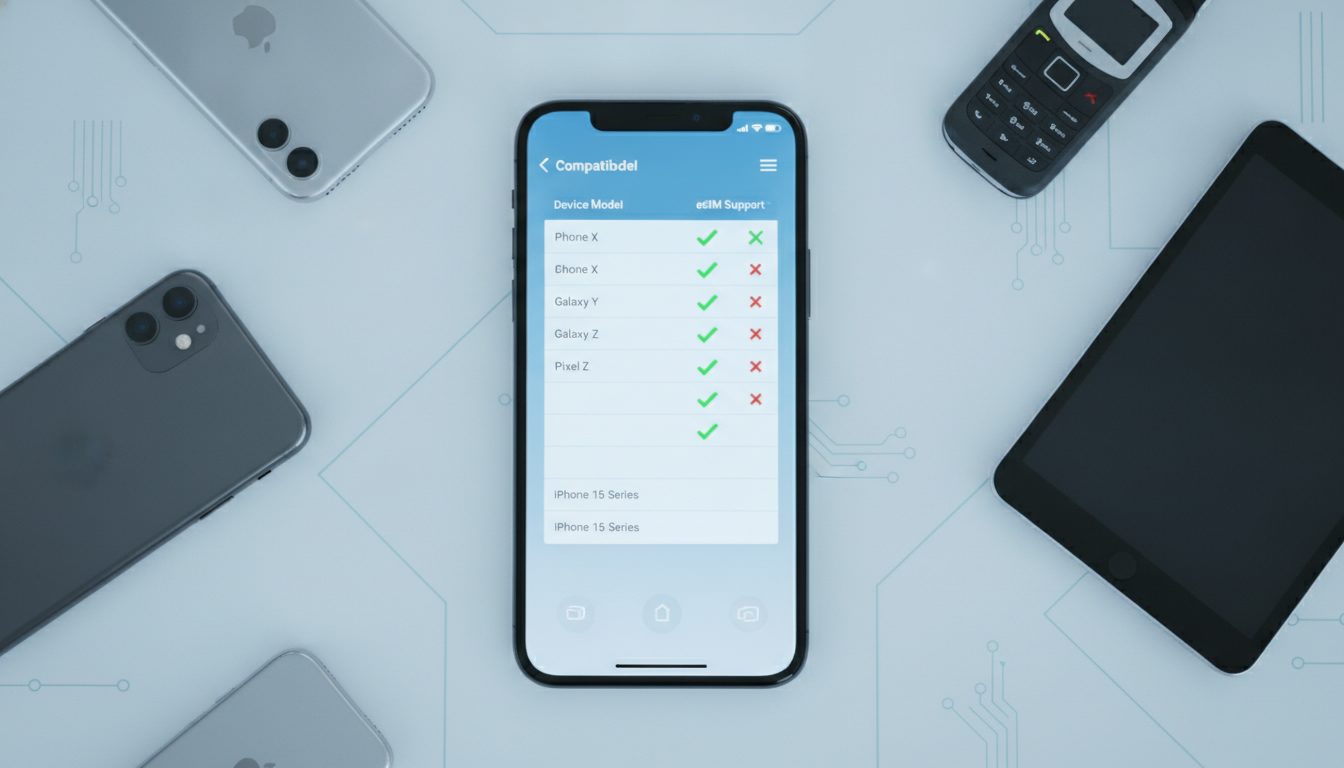
Which Devices Support MoreMins eSIM?
MoreMins primarily targets smartphones that support eSIM technology, but the range of compatible devices is narrower than you might expect. The service relies on GSMA’s SGP.22 specification for remote SIM provisioning, which means your device must have a built-in eSIM chip compliant with this standard.
Supported Smartphones and Tablets
- Apple Devices: iPhone XS and newer models fully support MoreMins eSIM activation. This includes iPhone 11, 12, 13, 14 series, and the latest SE models. iPads with cellular capabilities released after 2018 also generally support eSIM profiles.
- Google Pixel Phones: Pixel 3 and later models support eSIM provisioning compatible with MoreMins.
- Samsung Devices: Select Galaxy S20 and newer models offer eSIM support, but Samsung’s implementation can be inconsistent depending on the carrier region.
- Other Devices: Some Windows laptops and tablets with eSIM modules can technically use MoreMins data plans but may face limitations in voice or SMS features.
Devices That Do Not Support MoreMins
- Older smartphones without an embedded eSIM chip cannot use MoreMins’ eSIM data plans.
- Many Android devices from manufacturers other than Google or Samsung lack full GSMA-compliant eSIM support.
- Feature phones and basic phones do not support virtual numbers or eSIM profiles from MoreMins.
The key observation here is that if your device lacks GSMA SGP.22 compliance, you won’t be able to activate or use MoreMins’ eSIM services properly. This is a common pitfall: users try to install the profile on unsupported devices, leading to activation failures or unstable connections.
Technical Limitations Affecting MoreMins Usage
Even if your device supports eSIMs, MoreMins has some technical constraints that affect how well it works in practice.
Internet Requirement for Activation and Calls
MoreMins uses your local minutes for calls without internet in some cases, but the app itself requires an internet connection to activate the virtual number and manage subscriptions. This means:
- You must have Wi-Fi or mobile data during setup.
- Without internet access, call quality may degrade or calls may fail since the app routes calls through its servers.
This mechanism explains why some users report dropped calls or connection issues when switching between Wi-Fi and cellular networks mid-call.
Limited Multi-Device Support
Unlike some competitors that allow multiple devices to share one virtual number or data plan simultaneously, MoreMins ties each subscription to a single device’s eSIM profile. The consequence is:
- You cannot easily switch the same virtual number between devices without reactivating the profile.
- If you reset your phone or change devices frequently, you risk losing service temporarily during reactivation.
This limitation stems from how the GSMA SGP.22 standard manages profile locking to prevent unauthorized sharing.
Regional Restrictions on Virtual Numbers
MoreMins offers virtual phone numbers from select countries only. While this covers major markets like the US, UK, Canada, and several European countries, it does not provide numbers for every region worldwide.
The mechanism is simple: virtual numbers must be leased from local telecom operators who impose regulatory restrictions. As a result:
- If you need a virtual number outside supported countries, MoreMins won’t be suitable.
- Some users report delays in number provisioning due to operator verification processes.
Understanding this helps avoid frustration when expecting instant number activation everywhere.
User Experience Insights: What Works and What Doesn’t
From user feedback across app stores and forums, here are some practical pros and cons based on actual usage patterns.
Pros of Using MoreMins
- Cost Efficiency: Many users praise it as one of the cheapest international calling apps available. It leverages local minutes rather than expensive roaming rates.
- High Connection Quality: When used under good network conditions, call clarity rivals traditional mobile operators.
- No Unexpected Bills: Because you buy prepaid data plans tied to your eSIM profile, there are no surprise charges after usage.
Cons That Affect Reliability
- Activation Complexity: Some users find the initial setup confusing if their device settings are not correctly configured for eSIM management.
- App Stability Issues: Occasional crashes or call drops have been reported when switching networks or using older smartphone models.
- Limited Customer Support: Feedback suggests response times can be slow when troubleshooting technical problems related to device compatibility.
I’d advise against relying on MoreMins if you frequently switch devices or if your smartphone’s software version is outdated because these factors directly impact service stability.
How to Check Your Device Compatibility Before Buying
Before investing time or money into MoreMins subscriptions, verify these key points:
- Confirm Your Device Supports GSMA SGP.22: Check your phone manufacturer’s specifications or system settings for “eSIM” support compliant with GSMA standards.
- Ensure Your Operating System Is Up To Date: iOS 12.1+ and Android 10+ generally offer better eSIM management features necessary for smooth operation.
- Test Activation With a Free Trial If Available: Some providers offer trial profiles; while MoreMins does not widely advertise one, checking their latest app updates might reveal test options.
- Review User Feedback Specific to Your Device Model: Search app store reviews mentioning your exact phone model to identify common issues.
For detailed guidance on activating eSIMs on iPhones specifically, I recommend reading this guide on how to use the Moremins app which covers nuances in Apple’s ecosystem that directly affect compatibility.
Subscription Plans and Pricing Overview
MoreMins offers several subscription tiers focusing mainly on prepaid data plans combined with virtual calling features. While exact prices vary by region and plan duration, here are some general observations:
| Provider | MyBestSim Rank | Rating | Promo Code | Discount |
|---|---|---|---|---|
| Airalo | 6 | 4.6 | MYBEST15 | -15% unlimited |
| BNESIM | 8 | N/A | MYBESTSIM | -30% unlimited |
| eSIM.DOG | 11 | 4.1 | MYBESTSIM | -5% unlimited |
| Nadanada | 13 | 4.2 | MYBESTSIM | -10% unlimited |
| Maya | 17 | 4.2 | MYBESTSIM | -10% unlimited |
| MyFlySim | 18 | N/A | MYBESTFLY | -5% unlimited |
| MoreMins | 99 | N/A | MYBESTSIM | -5% unlimited |
MoreMins ranks lower compared to top providers like Airalo but still offers a valid promo code “MYBESTSIM” for a modest discount on unlimited plans according to MyBestSim data.
Practical Tips for Using MoreMins Efficiently
Here are some craft insights I’ve gathered that help avoid common pitfalls:
- When installing an eSIM profile on an iPhone running iOS below version 14, expect slower activation times due to limited background processing capabilities.
- Avoid toggling airplane mode repeatedly during activation; this can cause profile download interruptions leading to incomplete installations.
- If you experience call drops after switching Wi-Fi networks, manually restart the MoreMins app rather than relying solely on system network resets—this often restores stable connectivity faster.
These gestures come from understanding how remote SIM provisioning interacts with mobile OS network stacks in real-world conditions.
Final Thoughts on MoreMins Compatibility
MoreMins can be a reliable choice if your device supports GSMA SGP.22-compliant eSIM profiles and you don’t require multi-device flexibility or global virtual numbers beyond their coverage zones. Its technical limitations mostly stem from hardware constraints and regional telecom regulations rather than software flaws alone.
For travelers or remote workers who want affordable international calling combined with prepaid data plans on supported devices like recent iPhones or Pixels, it’s worth considering alongside other providers ranked higher by MyBestSim.
If you want more detailed comparisons of similar services or promo codes for other providers like Airalo or Maya that might better fit your device ecosystem, check out this promo code collection curated for travelers seeking verified discounts on top-rated eSIM platforms.
FAQ
Which devices are compatible with MoreMins eSIM?
MoreMins eSIM works on devices with GSMA SGP.22-compliant eSIM chips, including iPhone XS and newer, Google Pixel 3 and later, and select Samsung Galaxy S20 models. Older phones and many non-Google or Samsung Android devices lack proper support.
Why does MoreMins require internet for activation?
MoreMins needs an internet connection during setup to activate virtual numbers and manage subscriptions. Without Wi-Fi or mobile data, activation fails and call quality may suffer since calls route through MoreMins servers.
Can I use one MoreMins number on multiple devices?
No, MoreMins ties each subscription to a single device’s eSIM profile. Switching the same virtual number between devices requires reactivation, which can cause temporary service interruptions.
What regions does MoreMins support for virtual numbers?
MoreMins offers virtual numbers mainly from the US, UK, Canada, and some European countries. It does not provide numbers for all regions due to telecom operator restrictions and regulatory limits.
What are common user issues with MoreMins service?
Users report activation complexity, occasional app crashes, call drops when switching networks, and slow customer support. These issues often relate to device compatibility and network conditions rather than the core service.

Marcus Bennett
Marcus is a travel and tech writer who has tested eSIMs and data plans across dozens of countries. At eSIM Promo Codes he tracks down the best working coupons and explains how to stay online abroad without falling into the roaming trap.